
You can use java gui framework like javafx swing
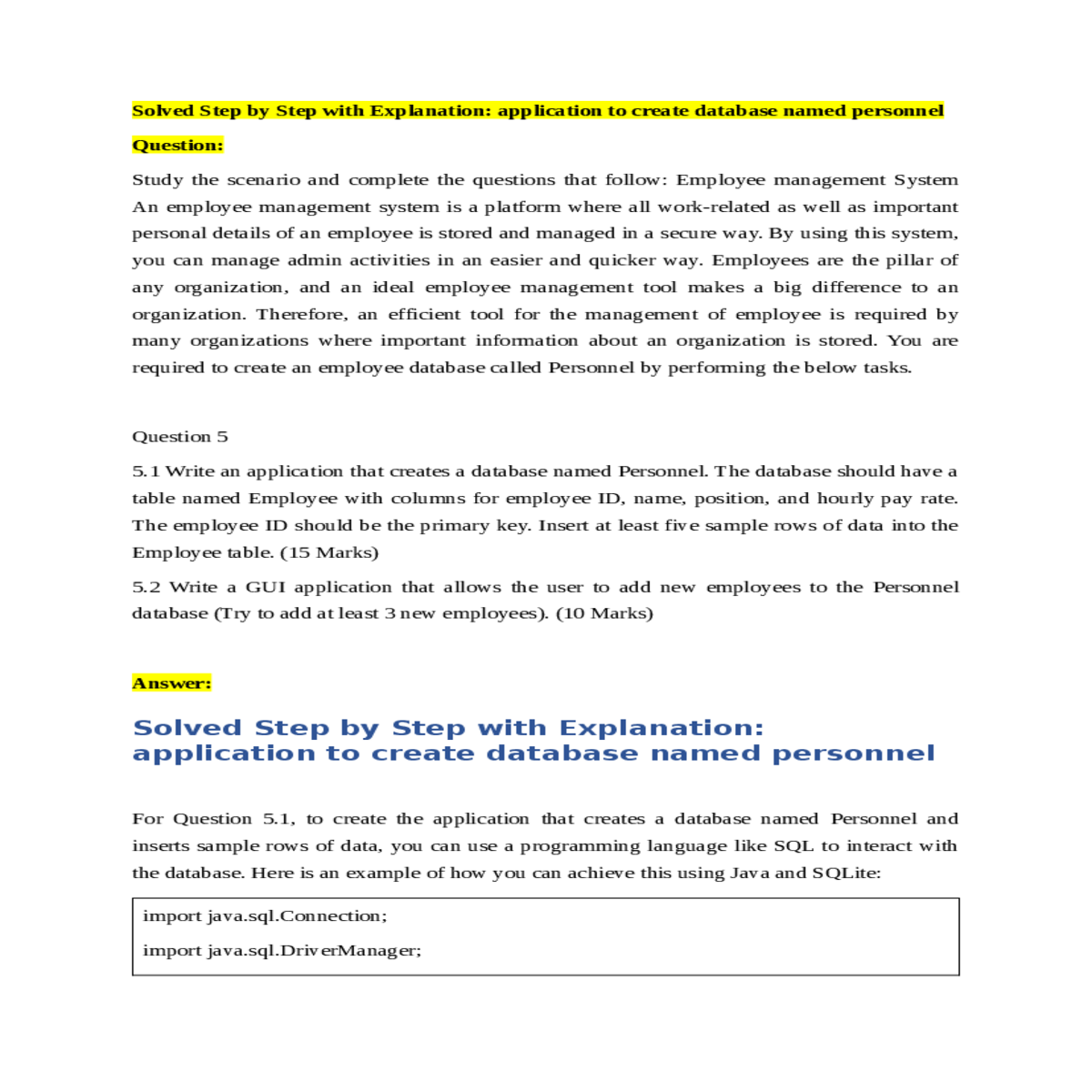
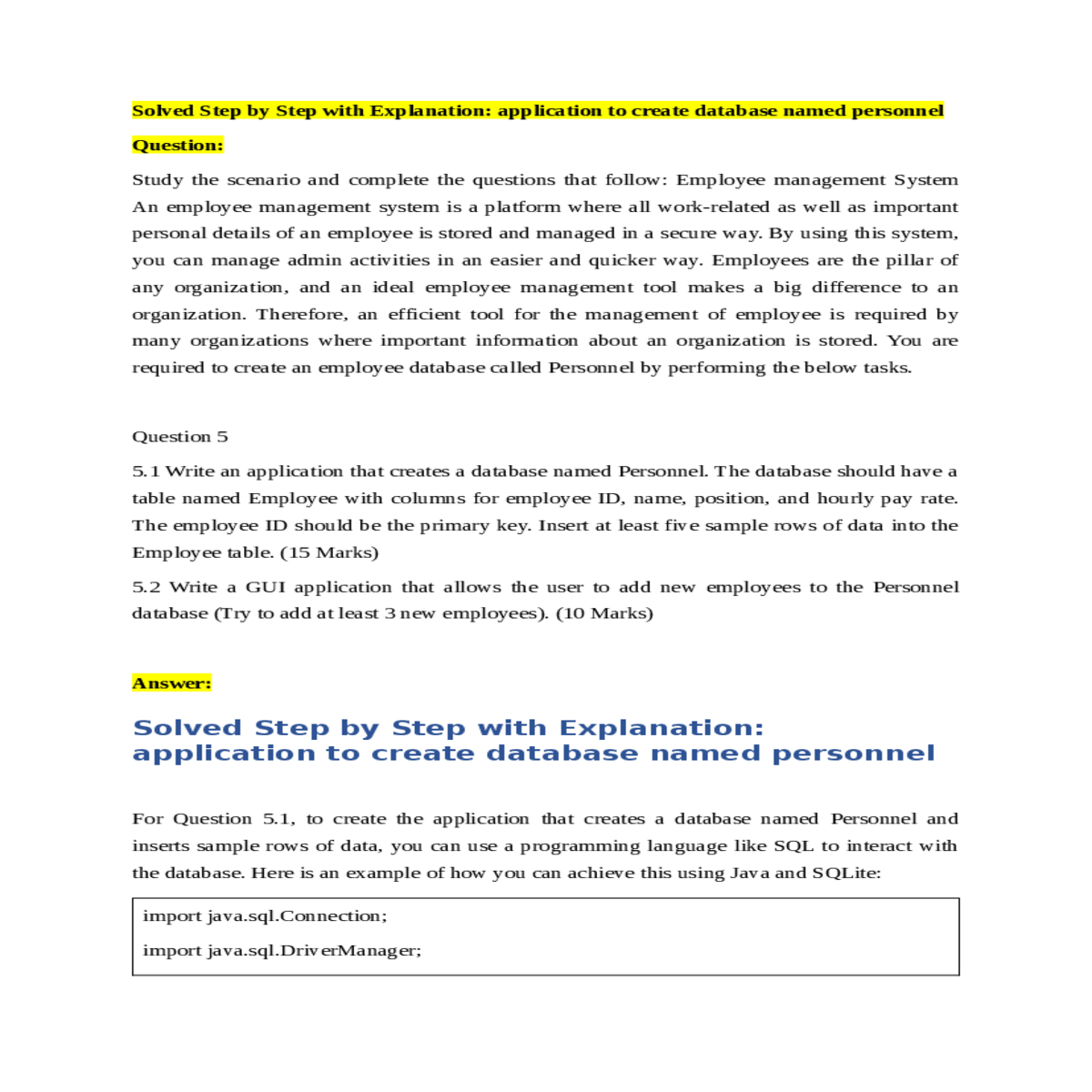
5.1 Write an application that creates a database named Personnel. The database should have a table named Employee with columns for employee ID, name, position, and hourly pay rate. The employee ID should be the primary key. Insert at least five sample rows of data into the Employee table. (15 Marks)
5.2 Write a GUI application that allows the user to add new employees to the Personnel database (Try to add at least 3 new employees). (10 Marks)
Solved Step by Step with Explanation: application to create database named personnel
import javafx.geometry.Insets; import javafx.scene.Scene; import javafx.stage.Stage; public class EmployeeManagementGUI extends Application { public void start(Stage primaryStage) { primaryStage.setTitle("Employee Management"); Label nameLabel = new Label("Name:"); TextField nameTextField = new TextField(); grid.add(positionLabel, 0, 1); grid.add(positionTextField, 1, 1); Button addButton = new Button("Add Employee"); grid.add(addButton, 0, 3); // Code to insert the employee into the database // Use the same database connection code as in Question 5.1 System.out.println("Employee added to the database."); }); } |
|---|
This JavaFX GUI application creates a form with input fields for name, position, and hourly pay rate of an employee. When the "Add Employee" button is clicked, the entered data is retrieved, and you can add code to insert the employee into the database (similar to Question 5.1).





