
The server ready service client requests

434 Chapter 10 • Java Secure Sockets Layer
To enable debugging, compile and run the following code (just as you run a java program in the normal mode):
import com.sun.net.ssl.*;
com.sun.net.ssl.internal.ssl.Debug.Help() ;
}
Continued
| www.syngress.com |
|---|

Now run the client using the following command:
java –Djavax.net.debug=all SecureClient.
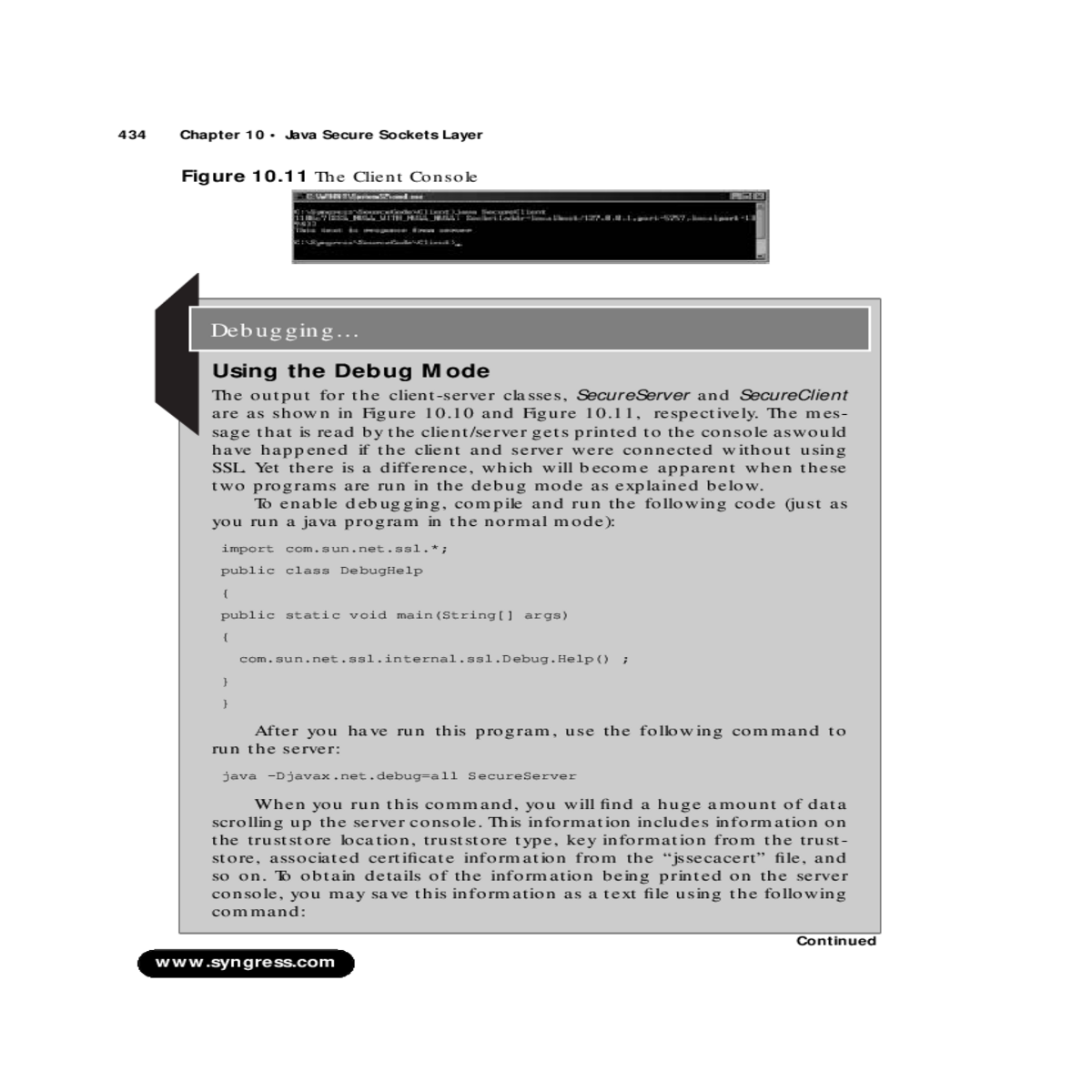
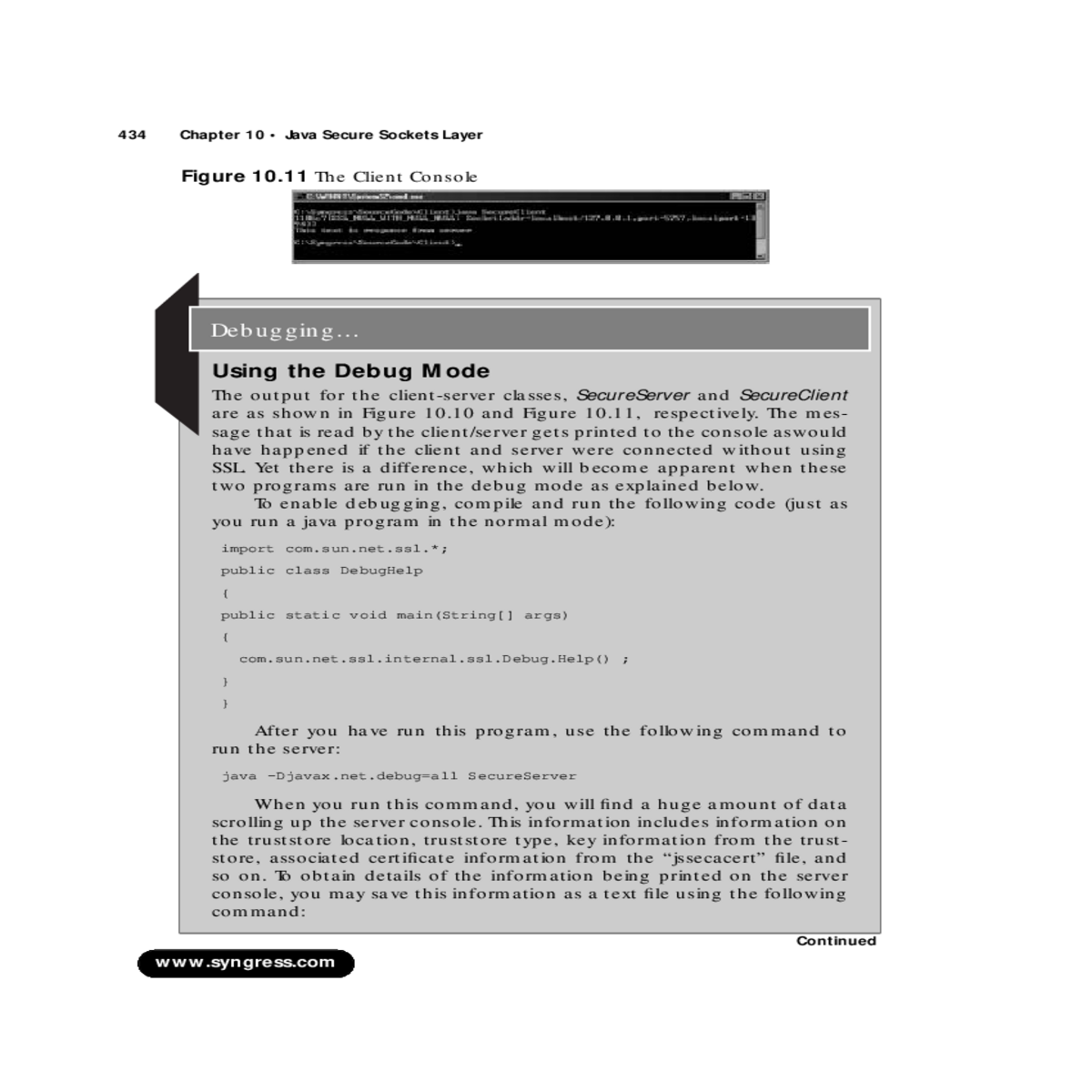
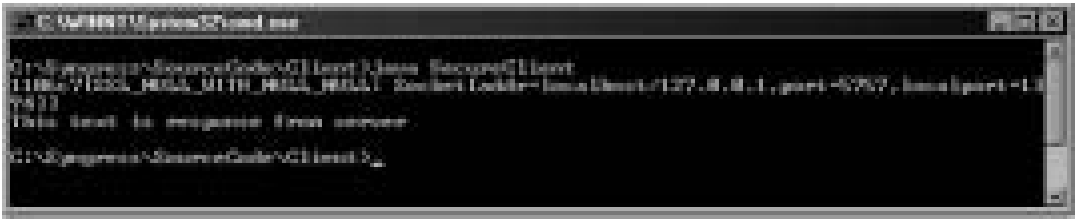
The console outputs for the server and client are shown in Figure 10.12 and Figure 10.13 respectively. Since these images do not list the complete console output, it is recommended that you refer to server.txt and client.txt.
Note that data sent from the client to the server and back is encrypted. This data is decrypted at the receiving end and thet resprec-tive text messages are displayed. The server file will contain phrases such as “Plaintext after DECRYPTION: len = 77” and “Plaintext before ENCRYPTION: len = 54,” followed by the encrypted/ decrypted mes-sage. The client request will appear as a string message.
| www.syngress.com |
|---|





