
Roberts edge detection answer and explanation
Roberts edge detection Assignment Answers
Question:
(15 marks) Please use python and opencv library in python to implement the following tasks. Given a noised RGB color image 'test.jpg', first use Average filter to remove its noise on each channel, then based on the gray image of this new RGB color image, use Roberts edge detection to get edges. Finally show the original image, the smoothed image, the gray image of this smoothed image and its edge image in one figure. (15.0)
Roberts edge detection Answer and Explanation
4. Apply Roberts Edge Detection: Perform Roberts edge detection on the grayscale image to detect edges.
5. Display Results: Show the original image, the smoothed image, the grayscale image, and the edge-detected image in a single figure.
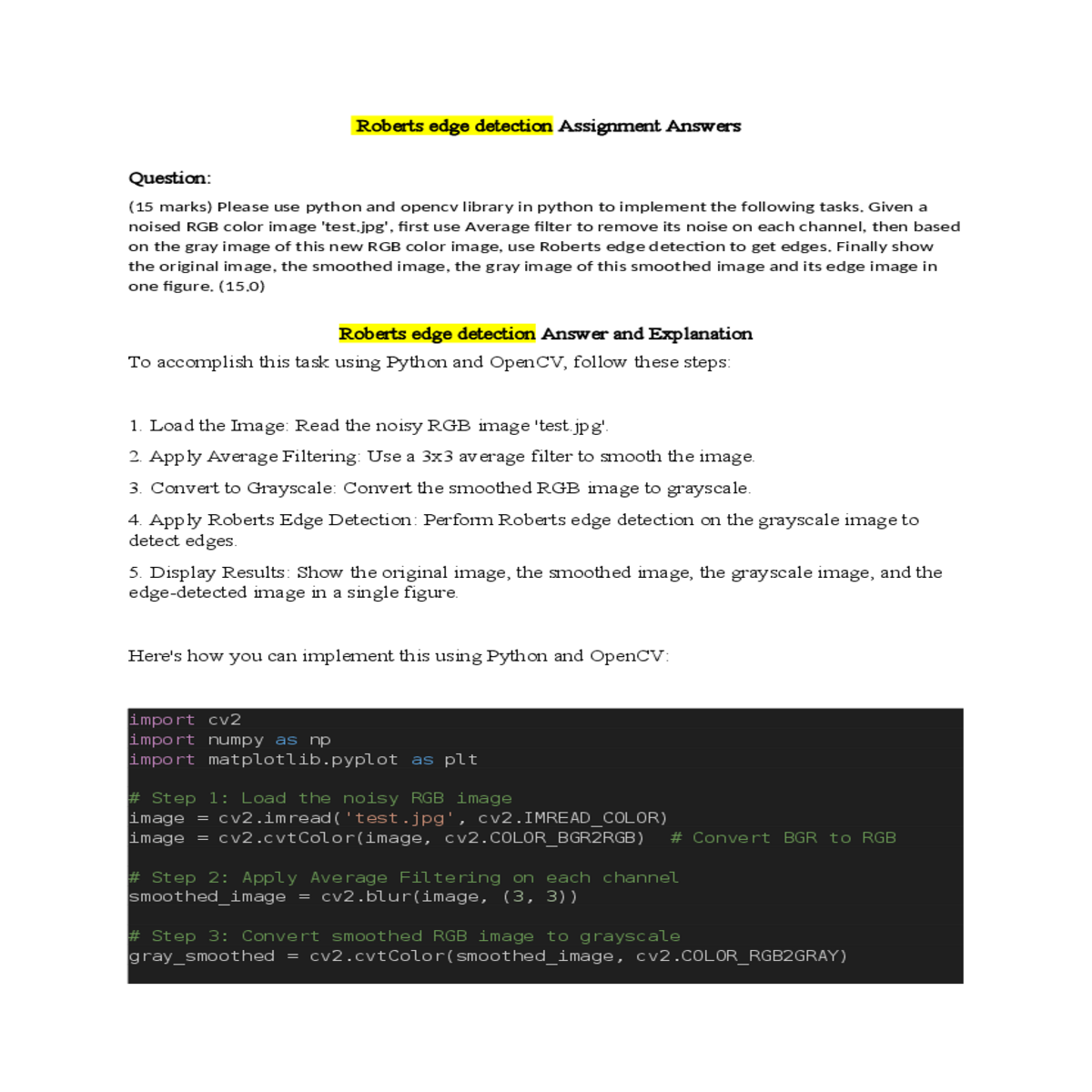
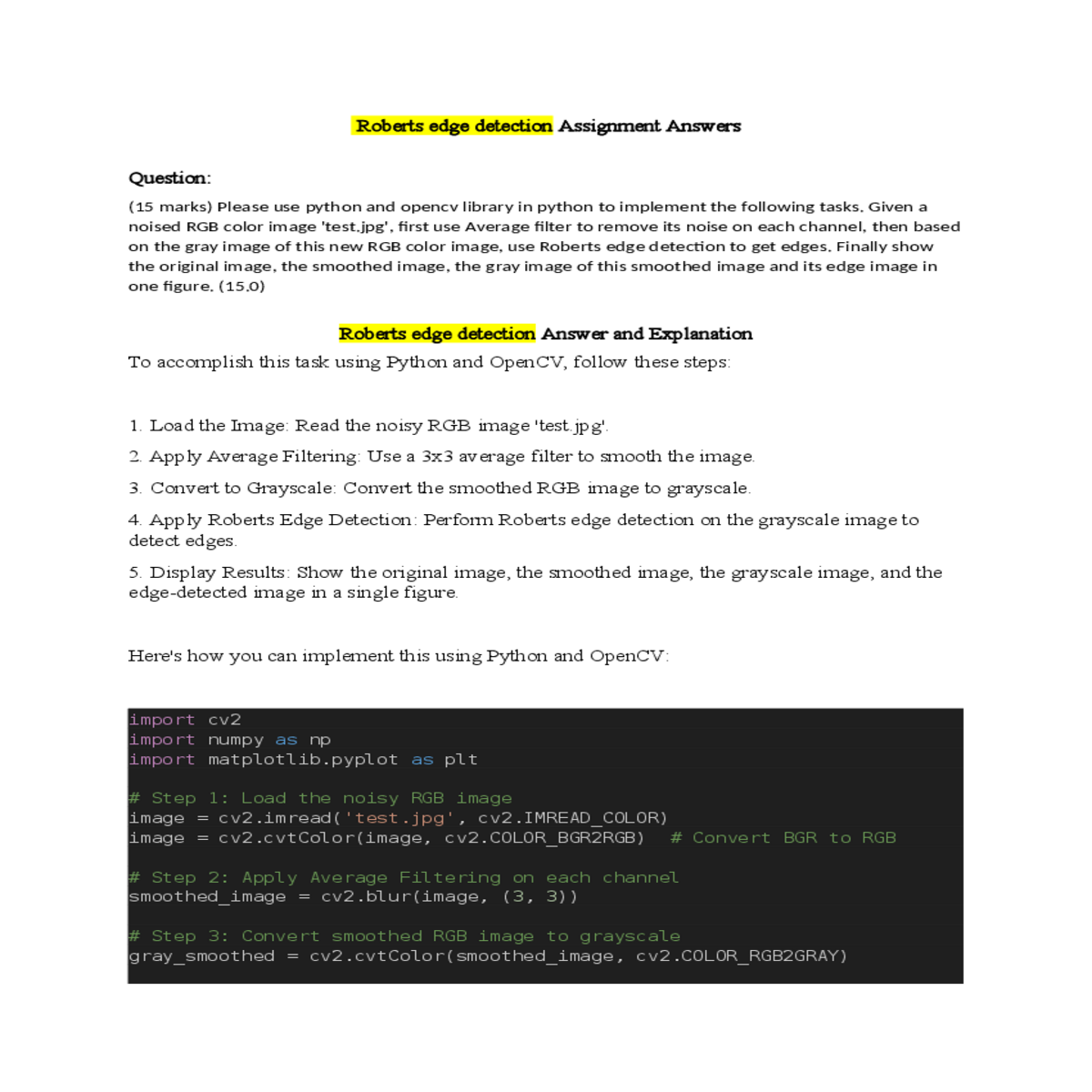
# Step 1: Load the noisy RGB image
image = cv2.imread('test.jpg', cv2.IMREAD_COLOR)
gray_smoothed = cv2.cvtColor(smoothed_image, cv2.COLOR_RGB2GRAY)
# Step 4: Apply Roberts Edge Detection on the grayscale image
axes[0, 0].imshow(image)
axes[0, 0].set_title('Original Image')
axes[0, 1].axis('off')
# Grayscale of Smoothed Image
axes[1, 1].imshow(edge_roberts, cmap='gray')
axes[1, 1].set_title('Edge Detected Image (Roberts)')
- Step 1: Loads and reads the noisy RGB image using OpenCV and converts it from BGR (OpenCV's default) to RGB format.
- Step 2: Applies a 3x3 average filter (`cv2.blur`) to smooth out noise in each RGB channel of the image.





