
Relationship and cardinality in the er diagram
Table of Contents
Part 1 Entity Relationship Diagram 2
Relationship and cardinality in the ER Diagram 3
Part 1 Entity Relationship Diagram
Entity
Instrument_Stock= It tells about instrument that are present in the Australian Institute of music.
The attributes which it has are:
Courses= It tells about the courses that are provided in the school.
The attributes which it has are:
Cost tell about the money a student has to pay if he/she enrols in that course.
Staff= It tells about details of staff present in the school.
Phone_no tells about their contact number which they use.
Degree tells about their qualification.
Age tells about student present age in years.
DOB tells about student’ s date of birth.
Invoice_id showing the unique number given to each invoice generated which is given to student who takes admission in Australian Institute of music.
Paid shows the status of invoice money paid or not it shows either yes or no.
Relationship and cardinality in the ER Diagram
Takes is the relationship between Instrument_stock and Staff. It has M:M relationship where instrument is taken by Staff and staff must requires one and many instruments.
Has is the relationship between Staff and courses. It has M:M relationship where staff teaches in M courses and Course must have a staff.
Business Rules
There are defined courses in the Australian Institute of music which include instrument, staff teaching that instrument, unique course id, course name and cost of that course.
In the Australian Institute of music there must be proper teaching staff who are identified with proper staff id which are unique, name, date of birth, their phone number, degree, their address and information about family.
Part 2: Relational Database Implementation
Entities and Simple Attributes:
An entity type within ER diagram is turned into a table. You may preferably keep the same name for the entity or give it a sensible name but avoid DBMS reserved words as well as avoid the use of special characters.
Multi-Valued Attributes
1:1 Relationships
1:N Relationships
N:N Relationships
We normally use tables to express such type of relationship. This is the same for N − ary relationship of ER diagrams. For instance, The Person can live or work in many countries. Also, a country can have many people. To express this relationship within a relational schema we use a separate table.
Converting ER Diagram into relational database into set of relations in at least 3NF and as well as referential integrity by showing relationship by having foreign key.
Creating all the relationship in the Microsoft Access database
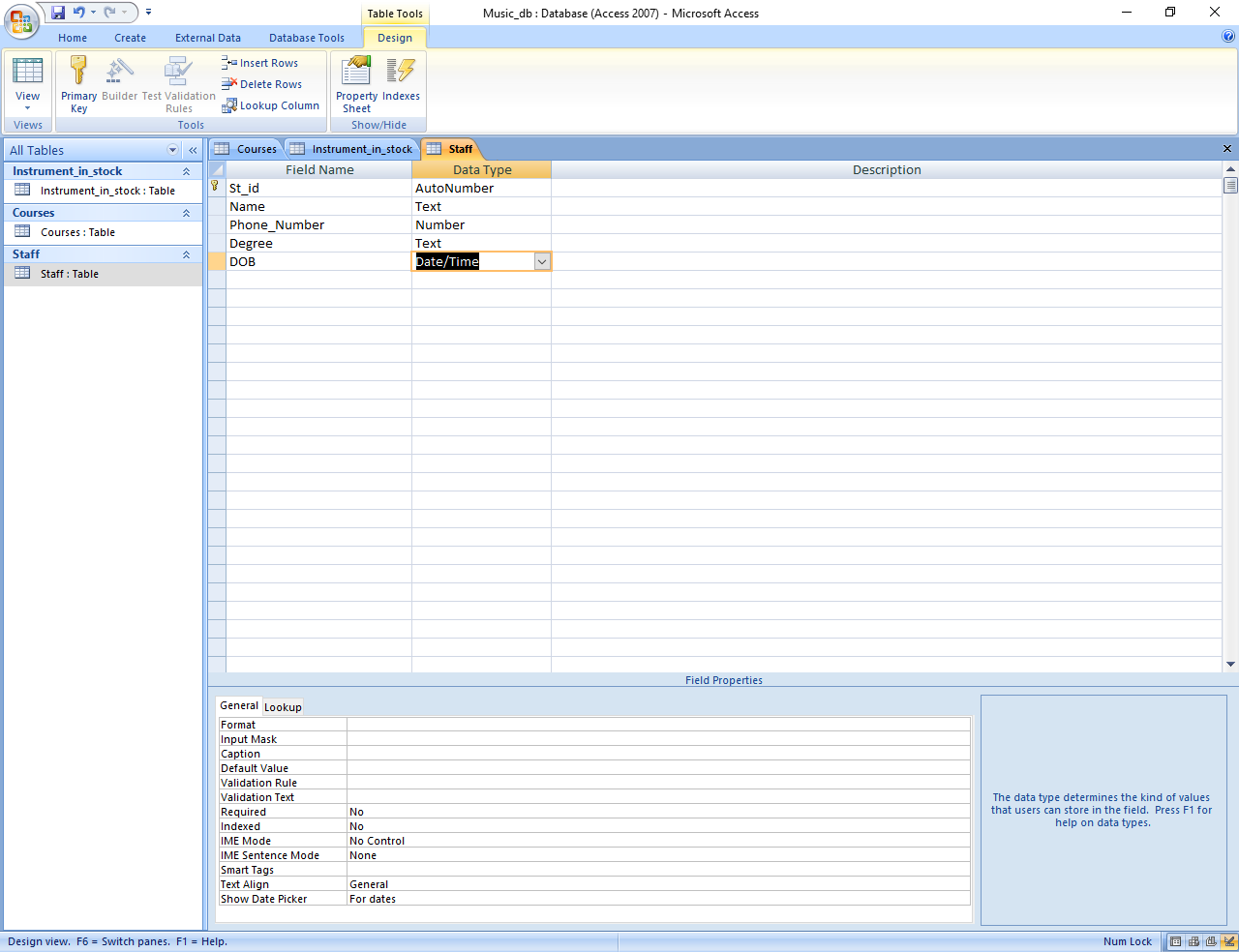
Creating staff table
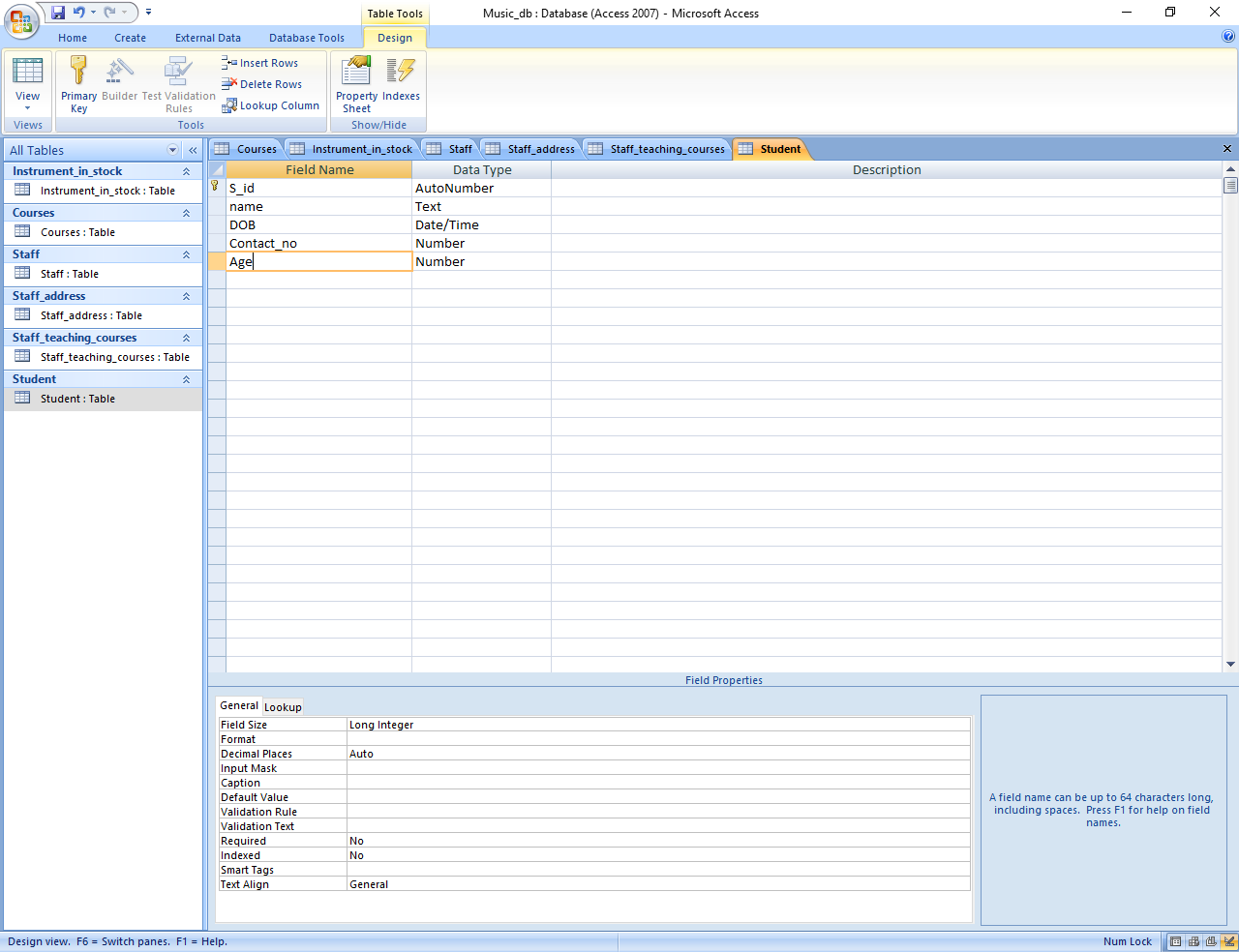
Creating Student
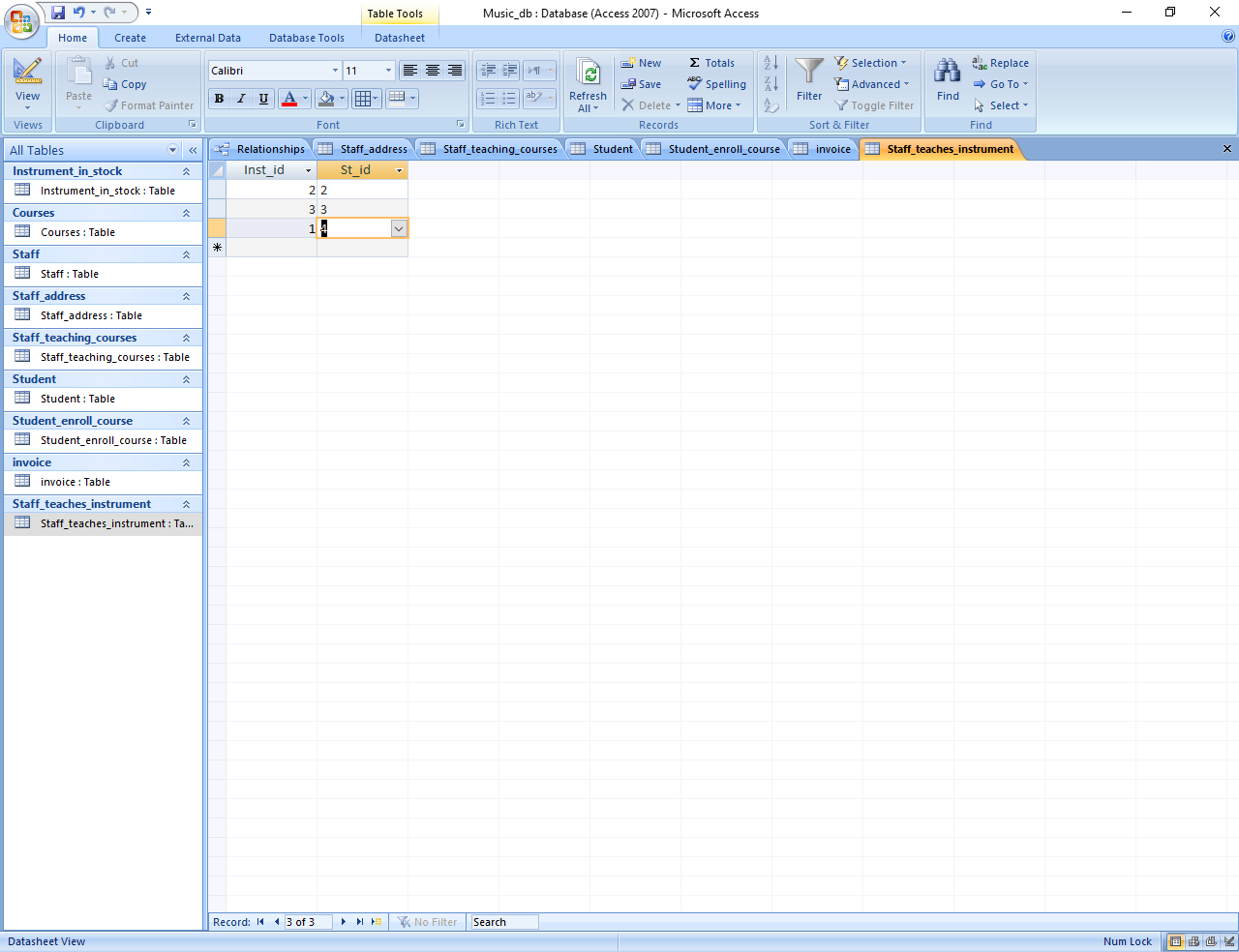
Creating staff_teaches_instrument
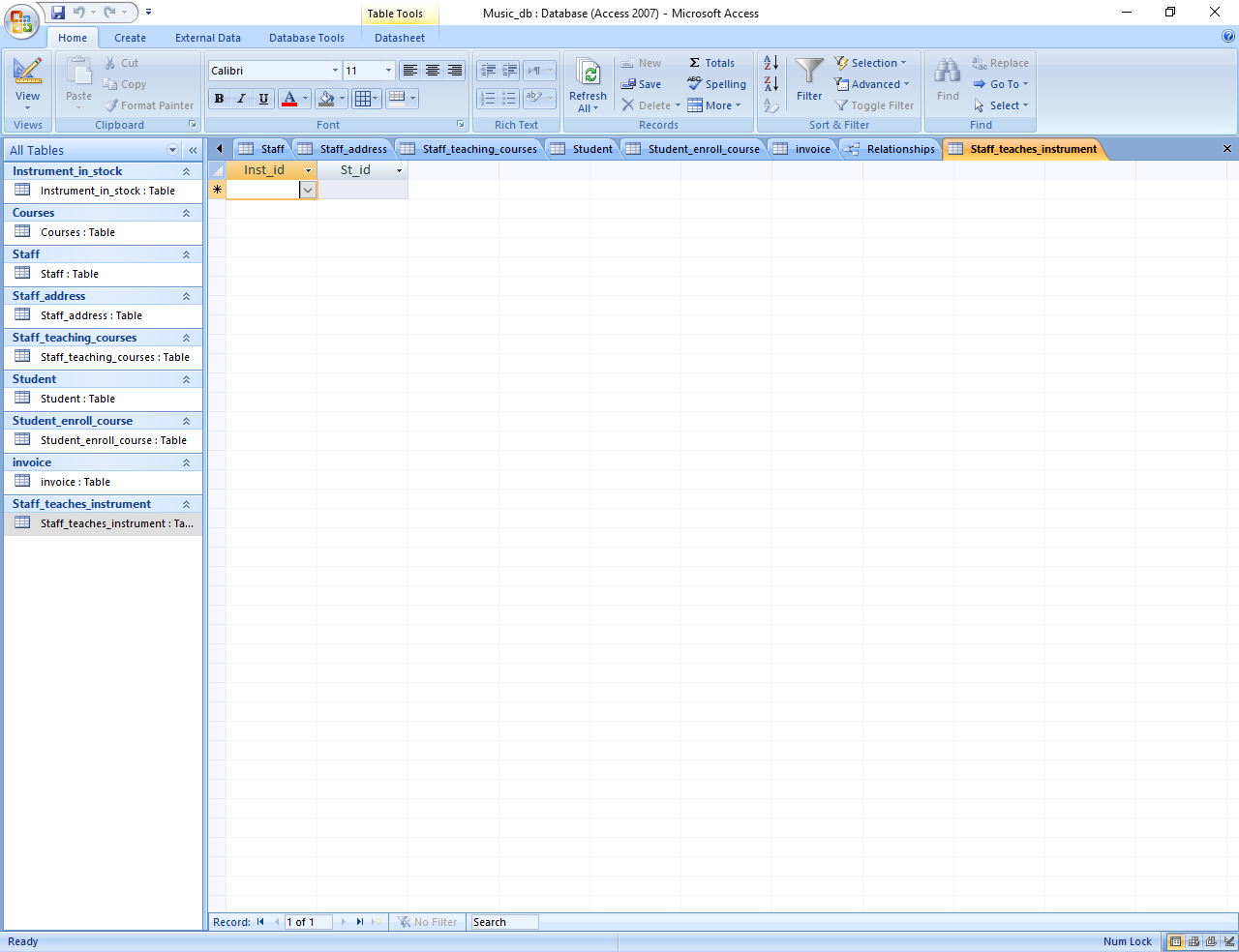
TABLES WITH SAMPLE DATA
Table Courses with data
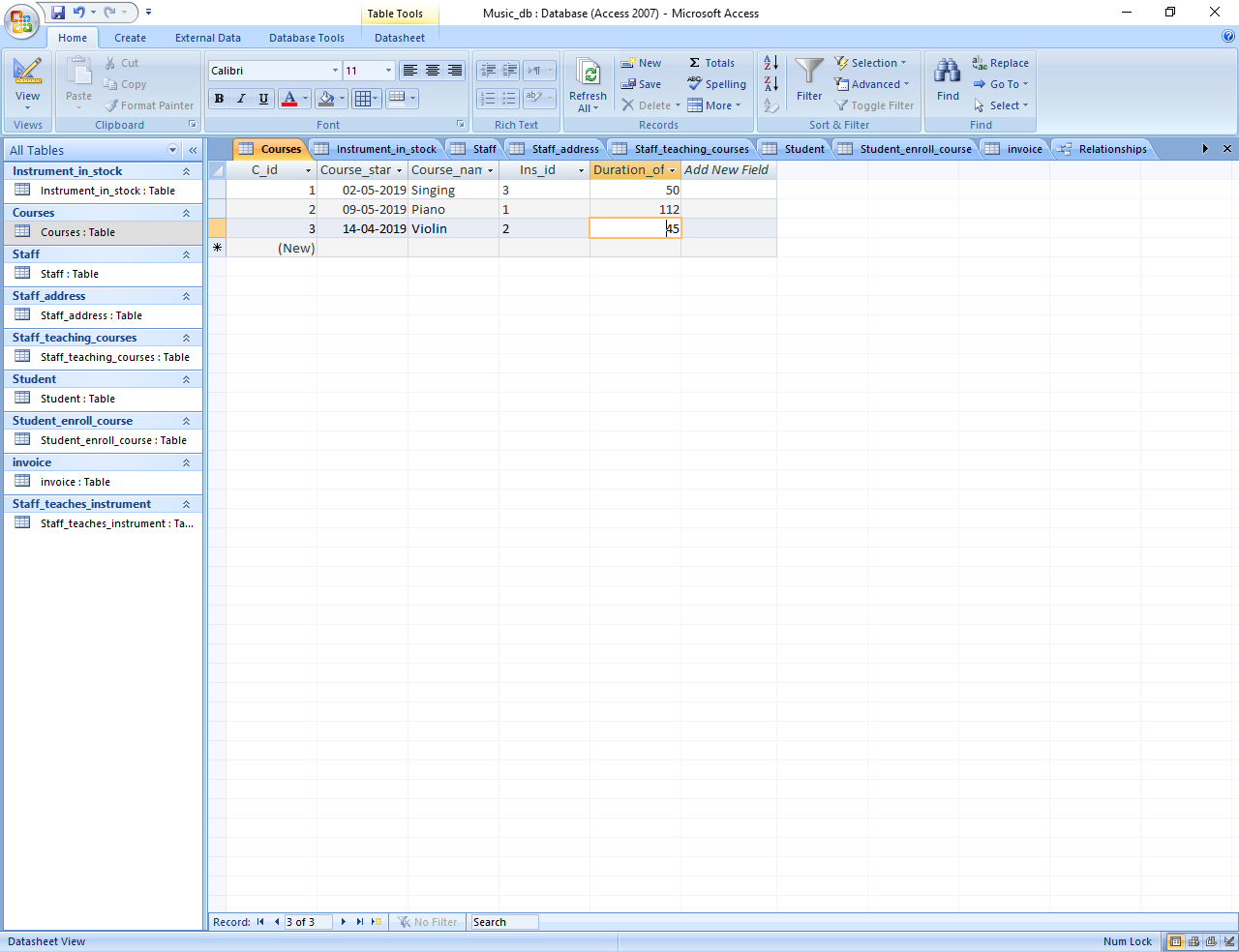
Table Student
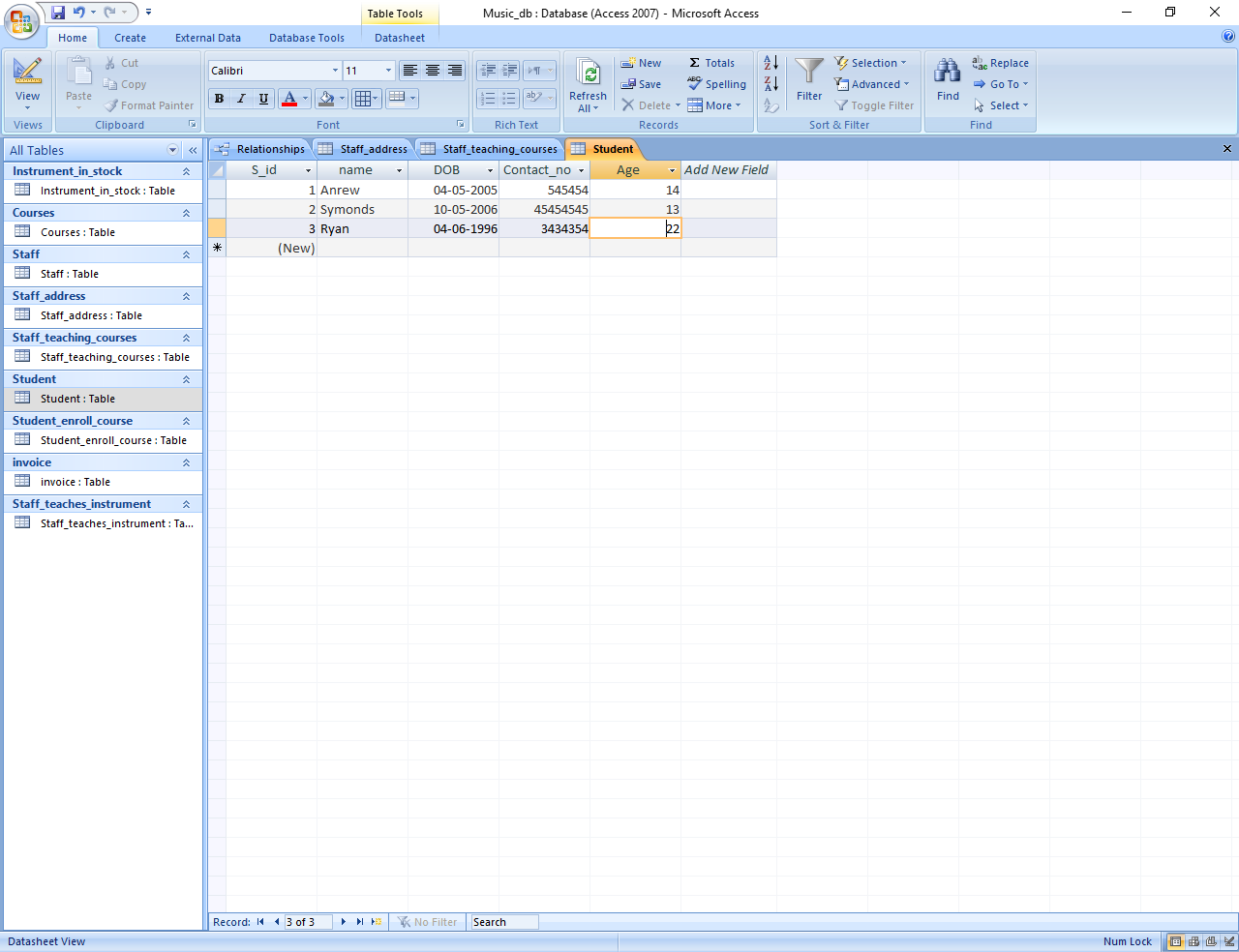
Table staff_teaches_Instrument
Relationship
Queries
FROM Student
WHERE Student.age<18
FROM Courses
where Courses.Course_starting_date between now() and now()+7;
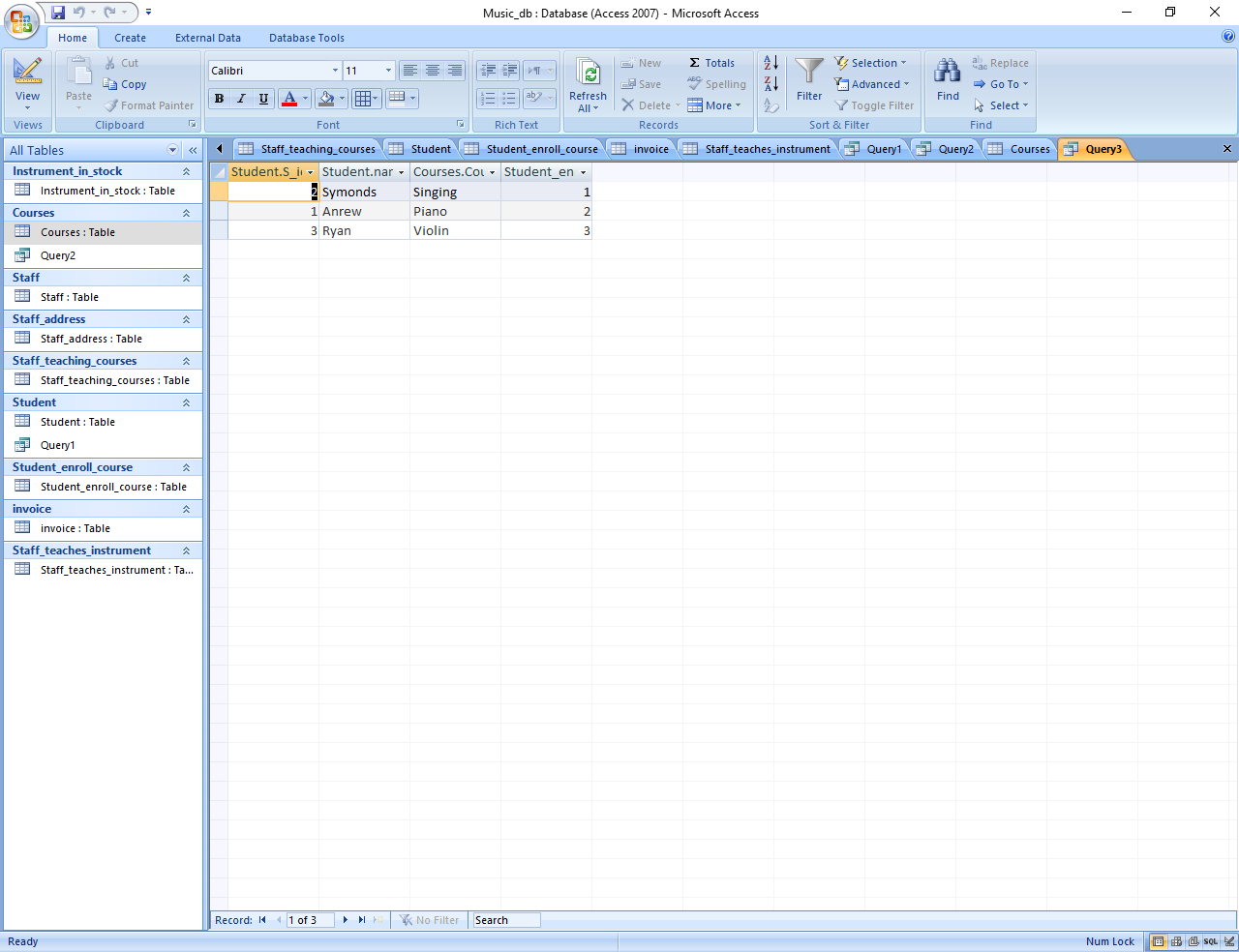
Show details of any student who has or will be having a piano class.





