
Pre and post condition checking
Clojure
Karthikeyan.A.K
Copyright
This book is released under GFDL .
1
3
Why this book?
One negative I find is JVM. Java is controlled by Oracle, and it’s an evil enterprise like Microsoft and Apple. That’s the only negative I have, but let’s see how things go.
4
Clojure website
The Clojure website may be a good starting point to browse for help if you have the time and patience. One may visit it here .
Reddit also has a Clojure community. If you are a reddit user, one may find the community here .
5
Clojure works on all OS platforms, you can install Clojure following the link here . Once done it’s time for us to check the Clojure REPL. To know what is REPL, checkout . Type clj in your terminal, and you must get something like this:
|
|---|
There is also a nil after the Hello World, don’t worry much about that, we will see what is that later. After the nil you see once again user⇒ which means Cloure is waiting for your type another command for it to execute.
If you want to come out of this Clojure REPL, type CTRL + D . You will get back to normal GNU/Linux prompt.
|
|---|
|
|---|
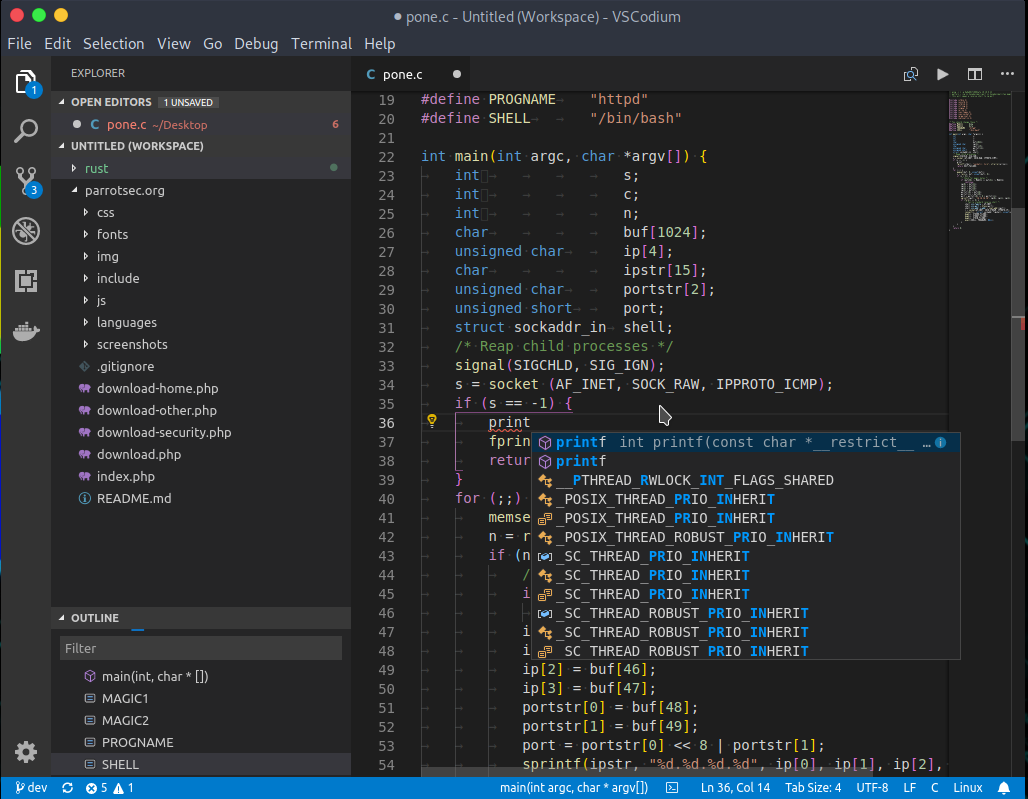
You could use any IDE, but since this is my book, I would take the luxury of suggesting VSCodium. This IDE take the editor made by evil Microsoft and removes the bad part out of it. You could get the IDE here where the installation instructions are given.
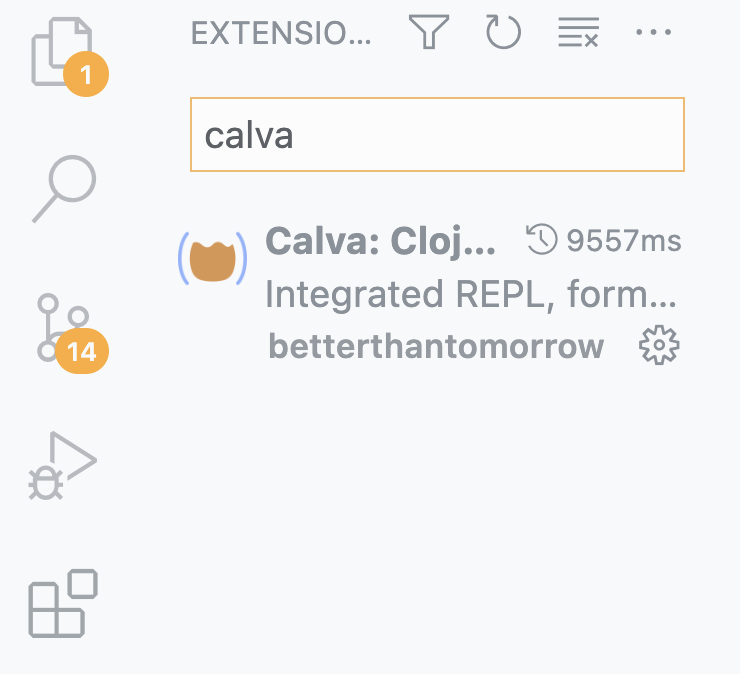
One may get started with Calva with excellent guides and video’s here .
One should note that Clojure never promised WORA (write once run anywhere) like Java does, instead you need to change your code when you write Clojure code targeting different platforms. What you get is uniform Clojure Syntax everywhere.
Being a web developer I can write backend in any beautiful language I like, but for the front end I am forced to used JavaScript. But in Clojure I can write both front and back end with Clojure without much cognitive load that comes along with language switching.
3.1.1. REPL in Terminal
In your terminal type clj and you will be presented with something as shown
You can now press CTRL + D to exit the REPL.
So what really happened when you typed clj. The first thing was Clojure prompted you with user⇒. You typed in something into the prompt, and pressed entered, Clojure REPL Read it and Evaluated it, understood that you want to print Hello World, next Clojure Printed out the Hello World, then it also printed a thing called nil, then it Looped back again and prompted you with user⇒.
|
|---|
Now in terminal cd into code/ and type lein repl
| above output, it means that there is a REPL server running at IP 127.0.0.1 | [1] and at port number | [2] |
|---|
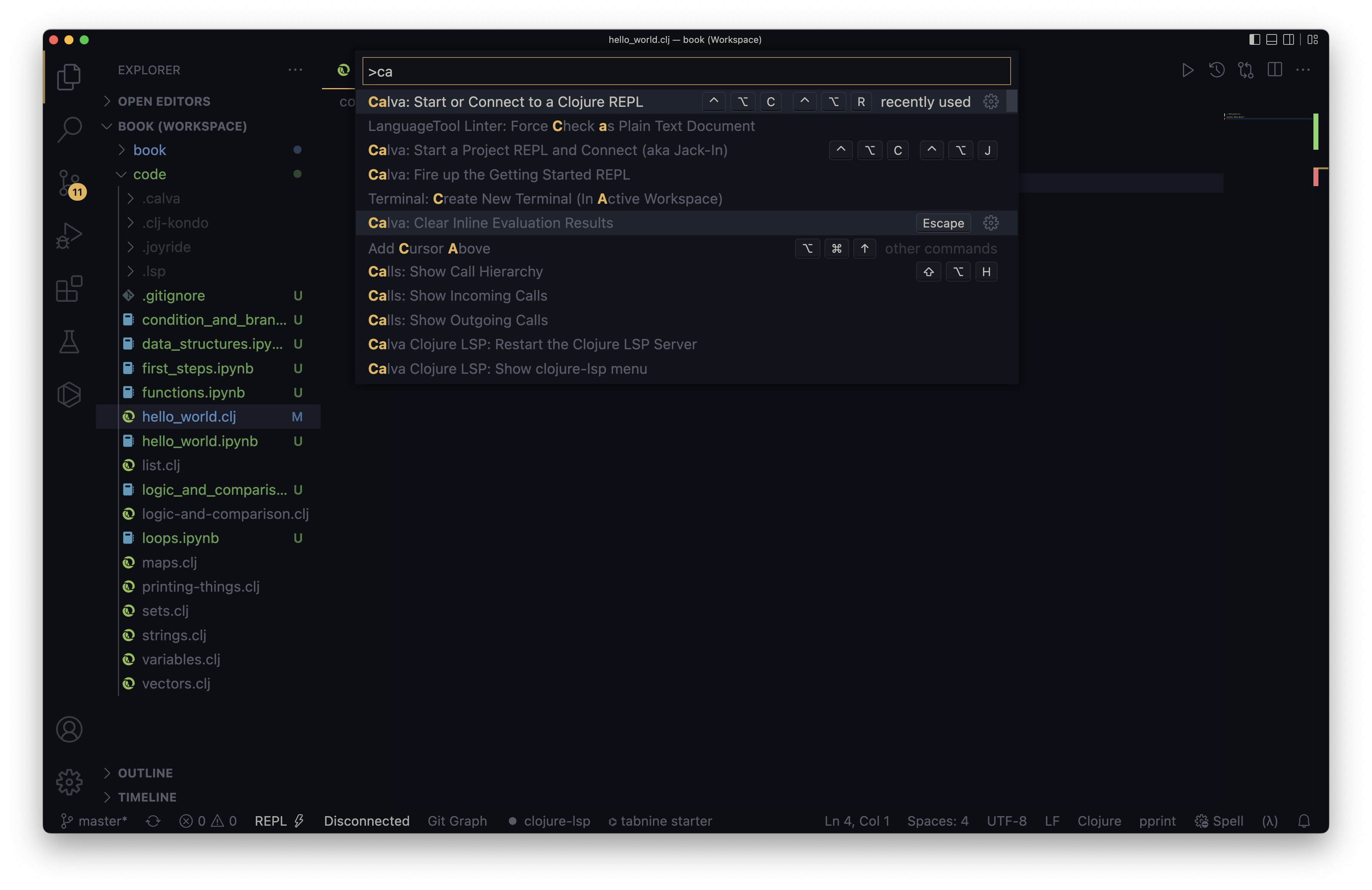
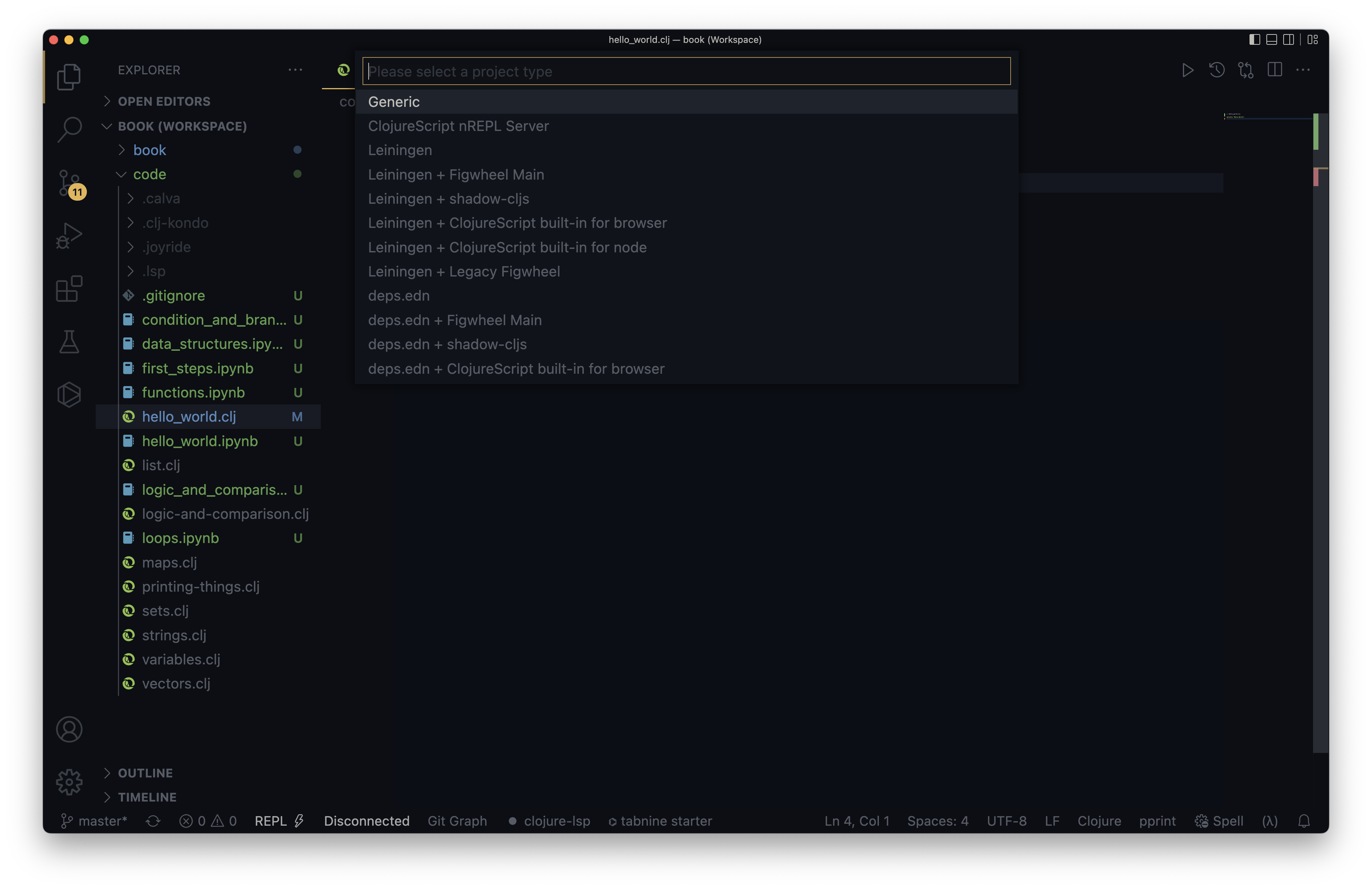
In VSCodium type CTRL + P or command + P and type >, now you can type in some commands for
14





