
Model configuration yolov cfg the yolov cfg file
Python using OpenCV Assignment Answers
Question:
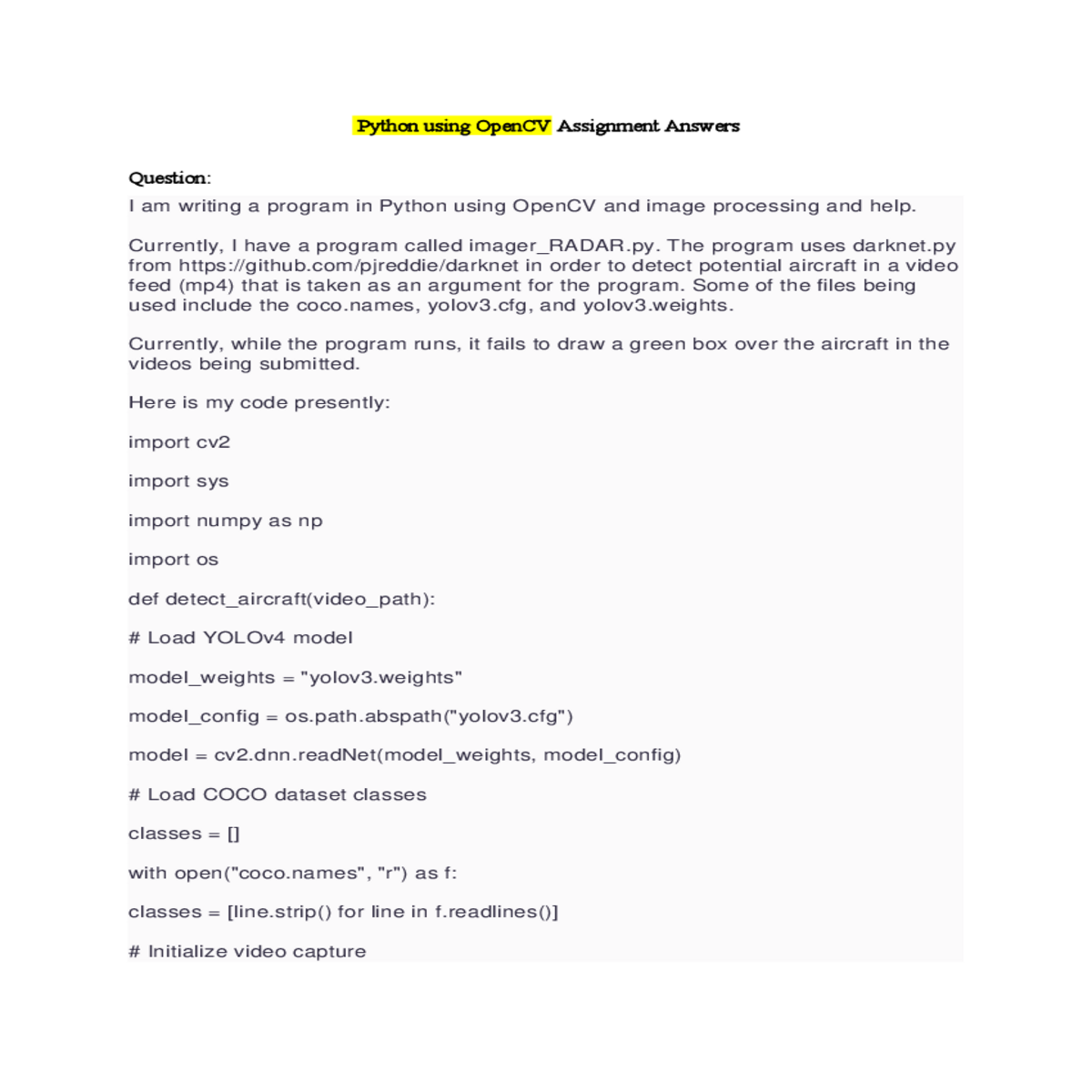
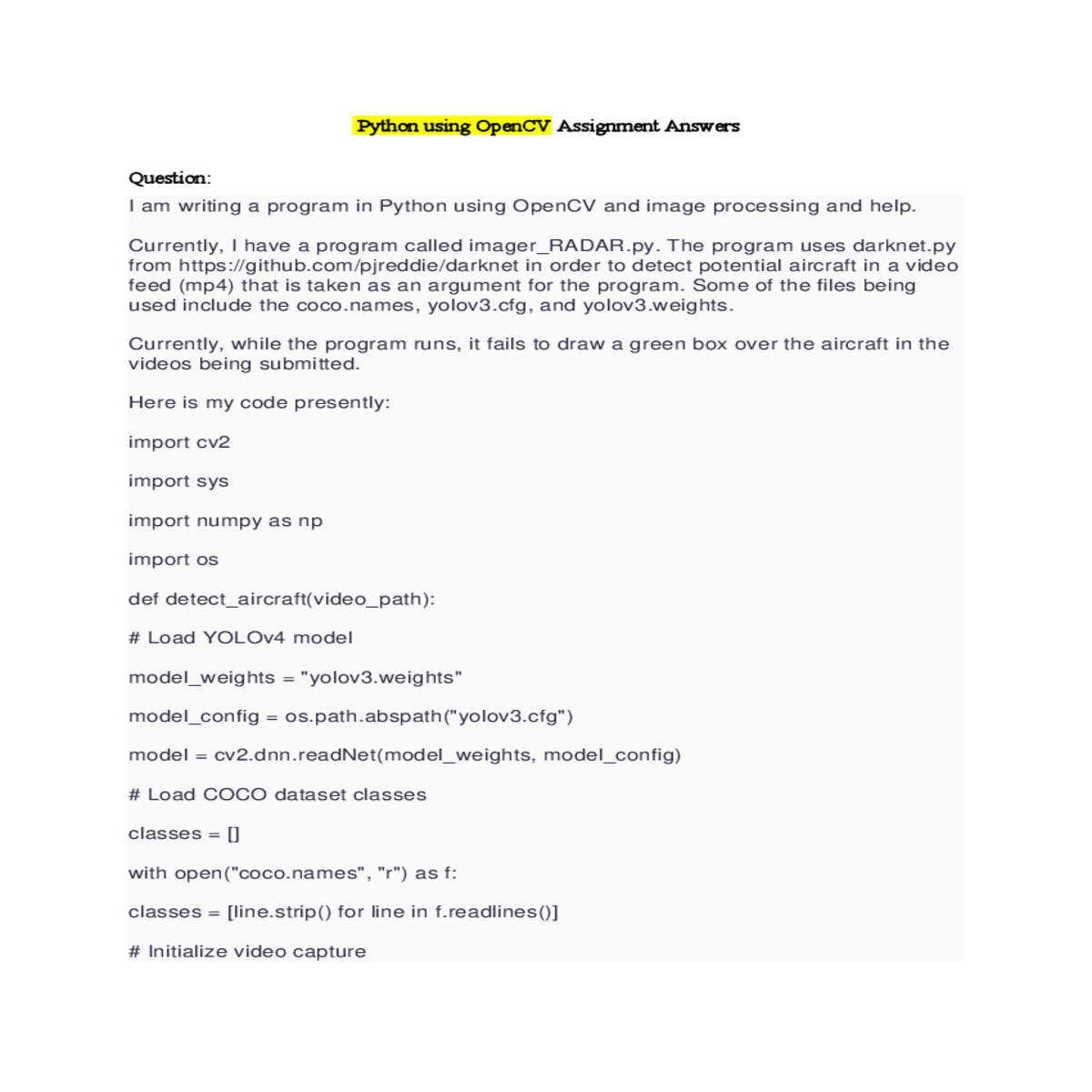
I am writing a program in Python using OpenCV and image processing and help.
import sys
import numpy as np
model_config = os.path.abspath("yolov3.cfg")
model = cv2.dnn.readNet(model_weights, model_config)
# Initialize video capture
cap = cv2.VideoCapture(video_path)
height, width, _ = frame.shape
# Detect objects in the frame
# Process the detected objects
for output in layer_outputs:
if confidence > 0.1 and classes[class_id] == "airplane":
center_x, center_y, w, h = (detection[0:4] * np.array([width, height, width, height])).astype("int")
# Display the frame
cv2.imshow("Aircraft Detection", frame)
cv2.destroyAllWindows()
if __name__ == "__main__":
detect_aircraft(video_path)
I am very new to image processing, OpenCV, and anything ML and Neural Net related.
Python using OpenCV Answer and Explanation
2. Model Configuration (yolov3.cfg):
Double-check the yolov3.cfg file. Ensure it defines the "airplane" class correctly within the configuration. You might need to modify the class filters or output layers depending on your model.





