
Click the zoom tool the tools palette
|
101 |
|---|
Zoom by clicking
The cursor changes to a magnifying glass tool with a minus (-) symbol when you hold down the Alt key.
Zoom to a selection
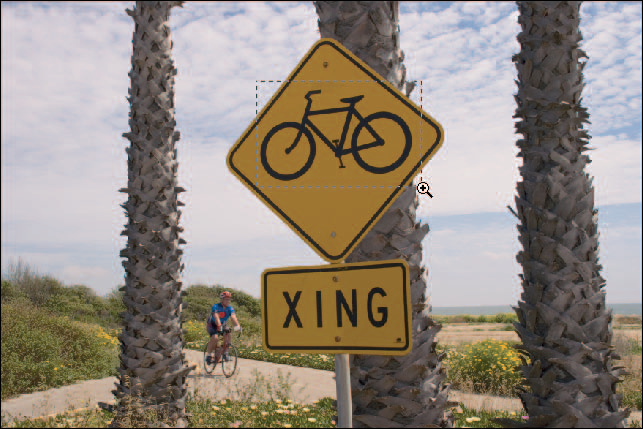
Figure 5-6: Click the Zoom tool in the Tools palette and drag around an area you want to zoom.
| 102 |
|---|
4. Release the mouse button.
The view zooms to fit the space defined by the marquee rectangle.
| a | b | c | e | f | g |
|---|
a Zoom In/Zoom Out tools: You can choose zoom in or zoom out as sepa- rate tools to avoid using the Alt key to toggle between the two.
b Zoom percentage: This figure shows you the current zoom level as a percentage. You can edit the text by typing values between 1 and 1600.





