
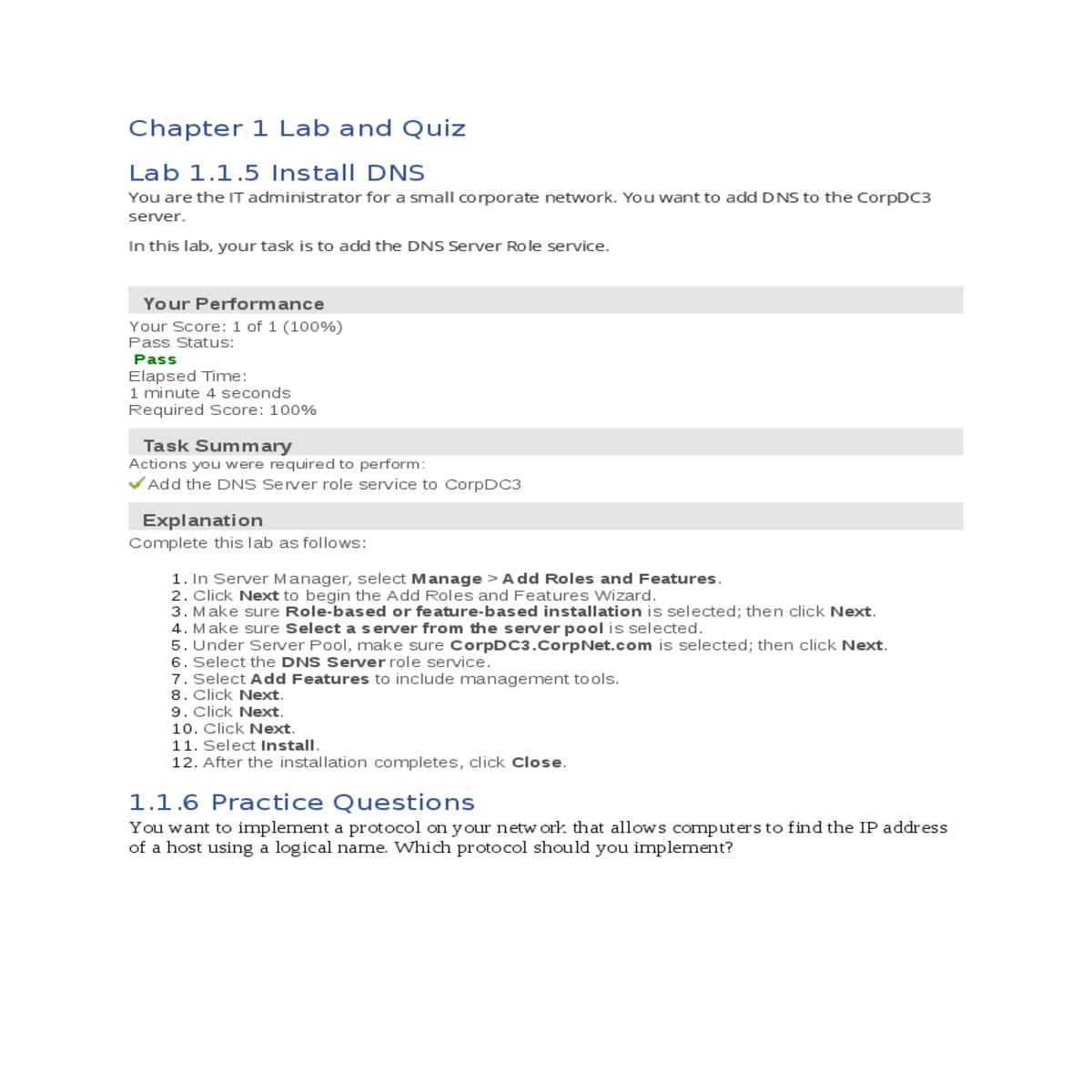

Click next begin the add roles and features wizard
Your Score: 1 of 1 (100%)
Pass Status:
Pass
Elapsed Time:
1 minute 4 seconds
Required Score: 100%
|
|---|
1. In Server Manager, select Manage > Add Roles and Features.
2. Click Next to begin the Add Roles and Features Wizard.
9. Click Next.
10. Click Next.
of a host using a logical name. Which protocol should you implement?
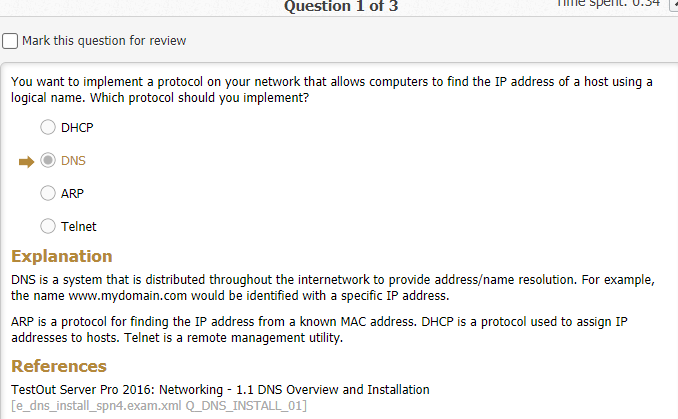
local DNS server. You have decided that installing dns on nano server is best for the following
reasons. (Select three.)
Actions you were required to perform:
Complete this lab as follows:
1. Connect to the CorpDC virtual machine as follows:
a. From Hyper-V Manager, select CORPSERVER.d. Click Edit.
e. With Click here to add an IP Address or DNS Name highlighted, add an IP address to the list.
j.Ensure that Use root hints if no forwarders are available is marked.
k. Click OK to exit the Properties window.
|
|---|
Actions you were required to perform:
|
|
|---|---|
Configure the server with a server-level standard forward for all other requests to the ISP's DNS servers at the ISP using 163.128.78.93 and 163.128.80.93.
Complete the following:
e. Right-click Conditional Forwarders and select New Conditional Forwarder. f.In the DNS domain field, enter CorpNet.com.
g. Select Click here to add an IP Address or DNS Name.
c. Select Edit.
d. Select Click here to add an IP Address or DNS Name.
i.Click away from the IP address; then click OK.
j.Unmark Use root hints if no forwarders are available to disable root hints. k. Click OK to apply the changes.
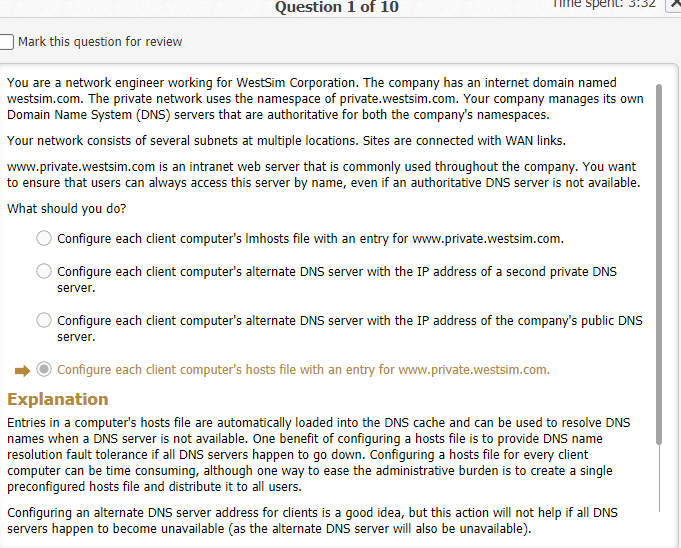
Your Active directory network uses the internal dns namespace private.westsim.com. several other active directory domains also exist, which are children to the private.westsim.com domain. On the internet, your company uses westsim.com for its public domain name.
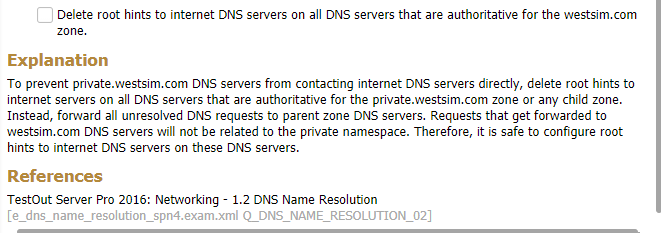
You are the systems administrator for westsim corporation. You have been assigned to set up a new branch office in Tulsa. The branch will be represented by a single domain.
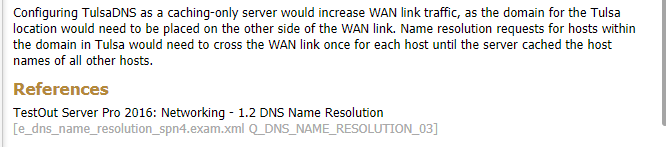
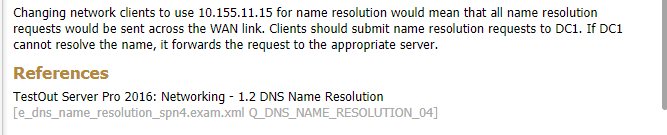
You administer a branch office connected to the main headquarters with a wan link. Servers in the branch office provide dns and dhcp services. The company network has multiple domains. A single domain represents the branch office.
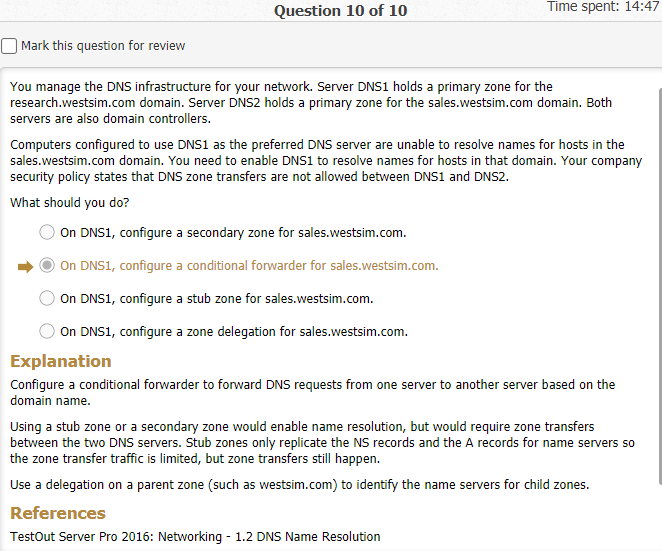
You ae the network administrator for westsim.com. the network consists of two active directory domains named westsim.com and sales.westsim.com. the dns server in the westsim.com domain are authoritative for the westsim.com dns domain. The dns servers in the sales.westsim.com domare are authoritative for the sales.westsim.com dns domain. All the servers run windows server 2016. All the clients run windows 10.
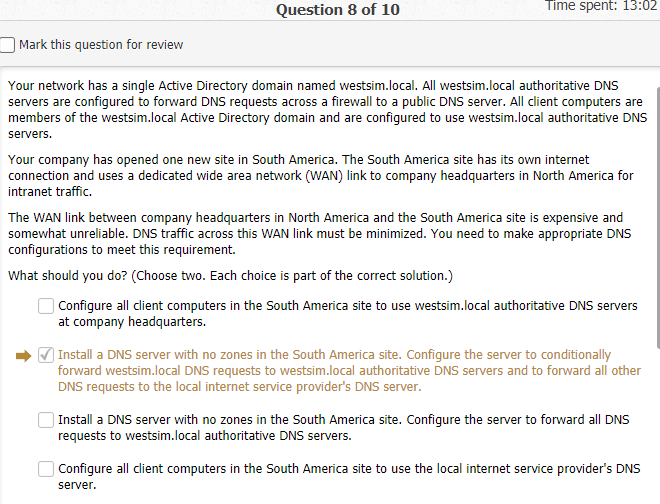
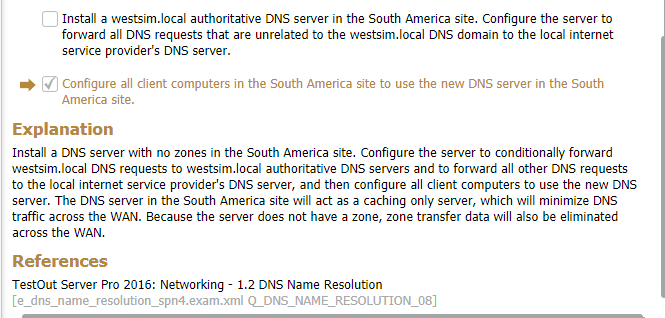

| o |
|
|
|---|---|---|
|
||
| o | ||
| o | ||
| o | ||
| o |
|
|
|
||
Actions you were required to perform:
2. Create a primary forward lookup zone on CorpDC as follows: a. In Server Manager, select Tools > DNS.
b. In the left pane, expand CORPDC.
g. In the Zone name field, enter acct.CorpNet.
h. Click Next.
b. Right-click acct.Corpnet and select Properties.
Select the Zone Transfers tab. c.
c. Click Next to begin the New Zone Wizard.
d. Select Secondary zone and click Next.
i.After the IP address is validated, click Next.
j.Click Finish to complete the New Zone Wizard.
Create the 192.168.10.x subnet reverse lookup zone on CorpDC3
|
|
|---|
Complete this lab as follows:
c. Right-click Reverse Lookup Zones and select New Zone.
d. Click Next to begin the New Zone wizard.
i.In the Network ID field, enter 192.168.10.
j.Click Next.
|
|
|---|
Actions you were required to perform:
|
|---|
2. Create zones as follows:
a. In Server Manager, select Tools > DNS.b. Expand CORPDC.
h. Click Next.
i.Enter the zone name and then click Next.
|
|---|
2. Right-click CorpDC and select Connect.
3. In Server Manager, select Tools > DNS.
8. Make sure that Primary zone is selected.
9. Select Store the zone in Active Directory.
15. Click Yes to confirm your changes.
16. Click OK.
Your organization uses one primary dns zone that is backed up by server secondary dns zones on other servers.
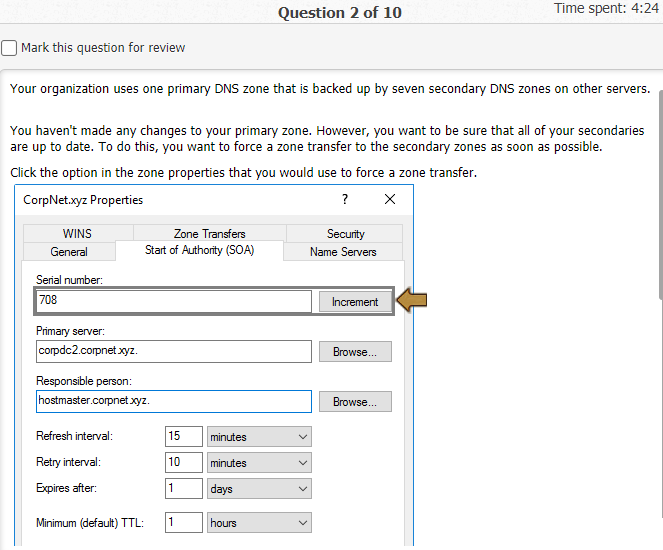
You manage a network with two locations. The main office is in Phoenix, and a branch office is in Tulsa.
Srv1 is a dns server in phoenix. Srv1 holds the primary zone for the eastsim.local zone.
You are the administrator of the corp.westsim.com domain. All servers in the domain run windows server 2016, and all clients run windows 10. The domain has two subdomains: Acct.corp.westsim.com
Sales.corp.westsim.com

You are creating a new dns zone. To protect your zone data from wire sniffers, your
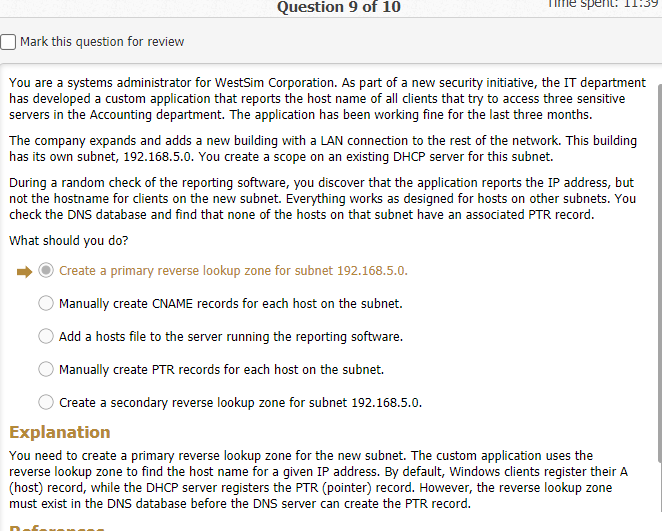
You are a systems administrator for westsim corporation. As part of a new security initiative, the IT department has developed a custom application that reports the host name of all clients that try to access three sensitive servers in the accounting department. The application has been working fine for the last three months.
The Sales department would like single-label name resolution for the CorpNet intranet web server called CorpWeb.CorpNet.com. A DNS zone is needed to support single-label name resolution when they type innerweb or intranet. GlobalNames support has been enabled on the server.
In this lab, your task is to configure DNS on the CorpDC server as follows:
Create a resource record that will resolve innerweb or intranet to the intranet web server. |
|---|
Actions you were required to perform:
1. Create a primary forward lookup DNS zone as follows: a. From Server Manager, select Tools > DNS.
b. Expand CORPDC (the server node that will host the new zone).
h. Make sure that To all DNS servers running on domain controllers in this domain is selected.
i.Click Next.
b. Right-click GlobalNames and select New Alias (CNAME).
c. In the Name field, enter innerweb.
d. In the Fully qualified domain name field, type CorpWeb.CorpNet.com. e. Click OK.
Lab 1.4.7 Create a Root Zone
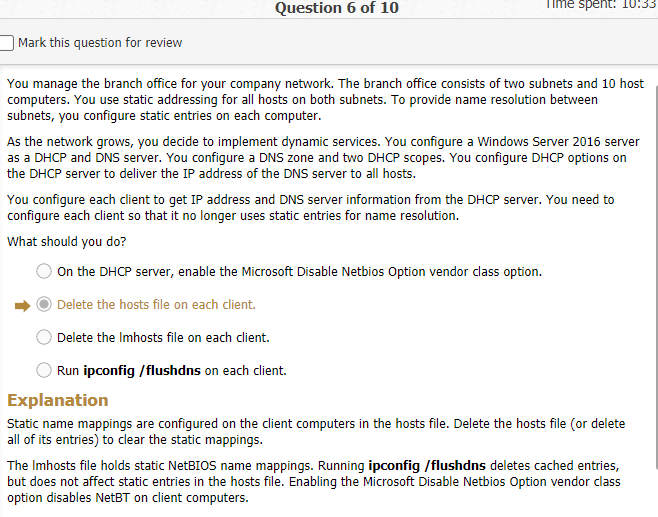
You work as the IT administrator for a small corporate network. A partner company has asked you to help configure their DNS server.
Actions you were required to perform:
Complete this lab as follows:
1. In Server Manager, select Tools > DNS.
6. Type . (a dot to represent the root zone) for the zone name and then select Next.
7. Make sure Create a new file with this file name is selected and click Next.
You company uses the internet domain westsim.com. your network has a single active directory
domain named westsim.local. you manage your network’s dns servers for the westsim.com zone
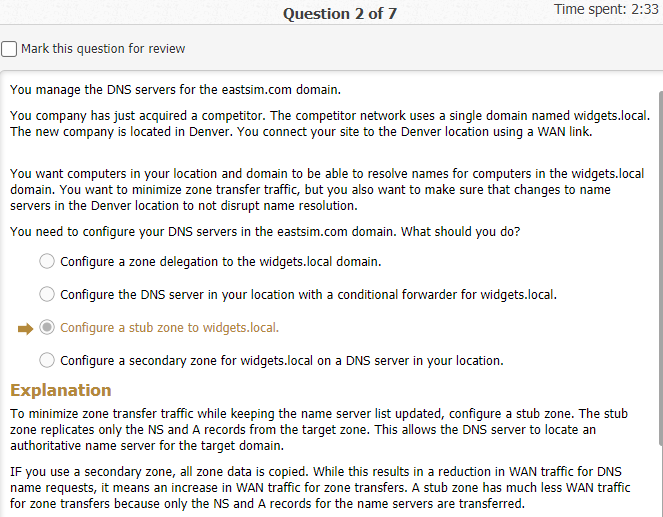
You company has just acquired a competitor.
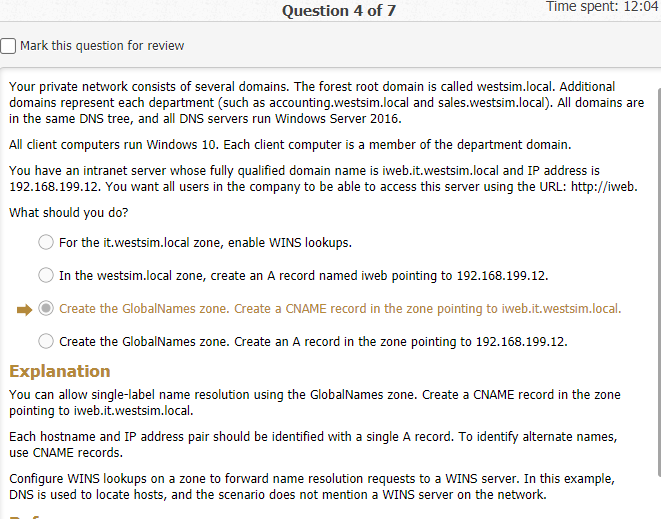
additional domains represent each department (such as accounting.westsim.local and
sales.westsim.local). all domains are in the same dns tree, and all dns servers run windows server 2016.
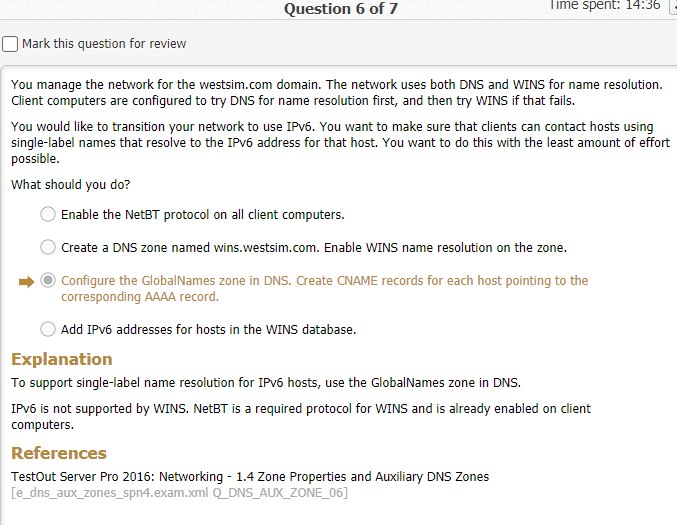
You want to provide single-label name resolution on your network. You have a domain controller
In this lab, your task is to complete the following:
|
|---|
|
|---|
Actions you were required to perform:
|
|
|---|---|
Complete this lab as follows:
e. Right-click Reverse Lookup Zones and select New Zone.
f.Click Next.
|
|---|
2. Create a host (A) and associated pointer (PTR) record as follows: a. In DNS Manager, expand Forward Lookup Zones.
Right-click CorpNet.com and select New Host (A or AAAA). b.
g. Click OK.
h. Repeat steps 2c - 2g to add additional host records.
You created the sales.private zone on the CorpDC server. Now you need to allow clients to connect to the web server by creating the following records in the zone:
|
|---|
|
|---|
Your Score: 3 of 3 (100%)
Pass Status:
Pass
Elapsed Time:
2 minutes 34 seconds
Required Score: 100%
| Create an Alias (CNAME) record with a blank name pointing to CorpWeb.CorpNet.comHide etails |
|---|
2. Create three CNAME (ALIAS) records in the sales.private domain as follows: a. From Server Manager, select Tools > DNS.
b. Expand CORPDC > Forward Lookup Zones.
g. Repeat steps 2c - 2f to create the additional records as outlined in the scenario.
1.5.10 Practice Questions
Which record types would you create? (Select two.)





