

Categorizing financial transactions
Categorizing Financial Transactions
⭳ 86 Download 📄 5 Pages / 1217 Words
Question 1:
Job Costing
Projects
Hair salon
Restaurant
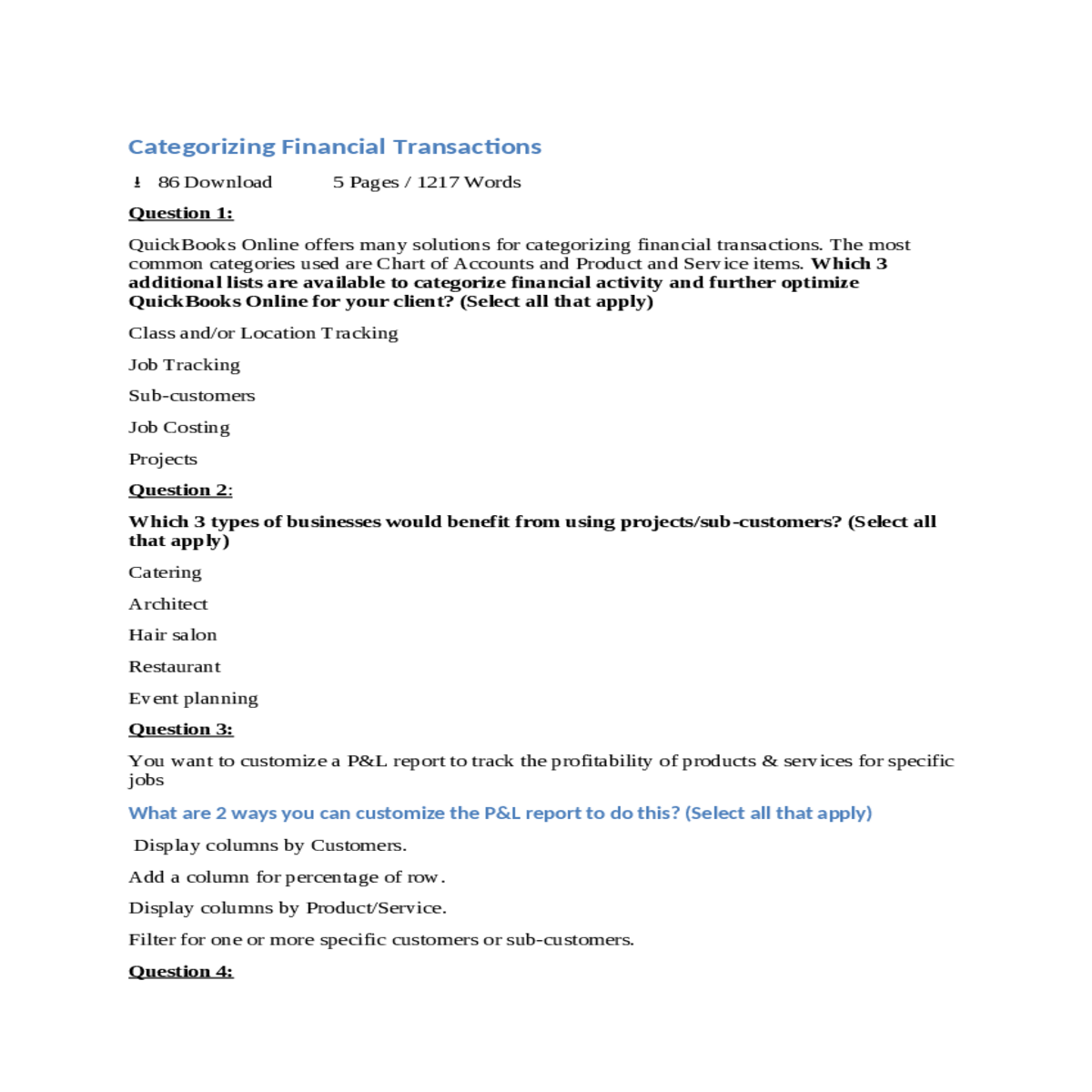
What are 2 ways you can customize the P&L report to do this? (Select all that apply)
Add a column for percentage of row.
Display columns by Product/Service.
Projects
Locations
Classes
Locations
Projects can be added to transactions when processing bank feeds.
Projects with unbilled transactions can be deleted.
Classes
Locations
Transactions created in QuickBooks Online can have both a project and a sub-customer assigned to them
Clients get one-click access to Project Profitability, which does not exist in the Report Center
Q3: What lets you set up a unique address, phone number and email address for invoices that are different from the default in Account and Settings?
Your answer:
Q5: Transactions in which category can be batch reclassified by a tool in QuickBooks Online Accountant?
Your answer:
Q7: Which 2 statements are true about the Projects Dashboard (the Center)?
Your answer:
- Add the Service field to timesheets.
- Subscribe to QuickBooks Online Plus.
- Check the setting to Track inventory quantity on hand.
- Check the setting to Track expenses and items by customer.
- Check the setting to the Show Product/Service column on sales forms.
A product category can be assigned through bank feeds.
- A transaction can be posted to a product category.
- The Products and Services list can be filtered by product category.
- An existing category or adding a new product category can be specified when adding a product/service item.
- Entering the name of a product category in a purchase or sales transaction will produce a drop-down list of products/services that are in that category.
Question 3
The value of the pumps decreased, and an inventory revaluation was entered.
There are three lines on the inventory adjustment because inventory was purchased at three different unit costs.
You can add purchase orders to any type of purchase transaction.
QuickBooks Online closes purchase orders, even when not fully received.
Create a zero-sales receipt or invoice, and then enter a journal entry to adjust cost of goods sold and promotions.
Use the inventory adjustment option within products and services, and follow up with a journal entry.
Considering QuickBooks Online uses the FIFO method for tracking inventory, what is the best way to see line items affected in the sales transaction?
Run a balance sheet, and select Inventory on hand to see the transaction history.
Your answer:
The value of the pumps decreased, and an inventory revaluation was entered
Your answer:
Debit Donations $30; credit inventory $30
Entering the name of a product category in a purchase or sales transaction will produce a drop-down list of products/services that are in that category
Q5: Rounding up to the nearest cent, what is the ending inventory value for Ornamental Trees and Decorative Spotlights as of October 31 of the current year?
Subscribe to QuickBooks Online Plus or Advanced
Check the setting to Track inventory quantity on hand
Resources
- 24 x 7 Availability.
- Trained and Certified Experts.
- Deadline Guaranteed.
- Plagiarism Free.
- Privacy Guaranteed.
- Free download.
- Online help for all project.
- Homework Help Services





