
Convert the smoothed image the hsv color space
Perform histogram equalization Assignment Answers
Question:
Perform histogram equalization Answer and Explanation
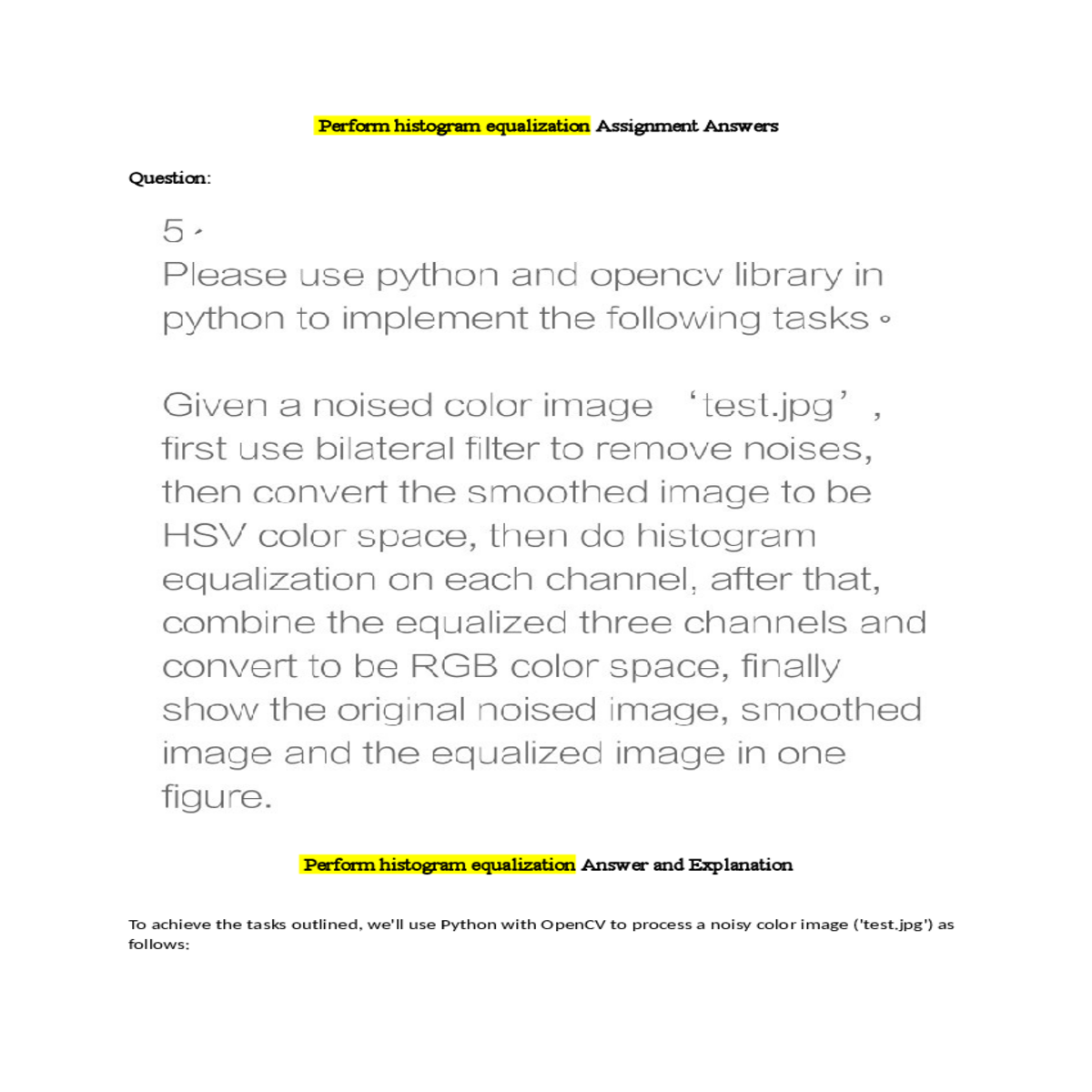
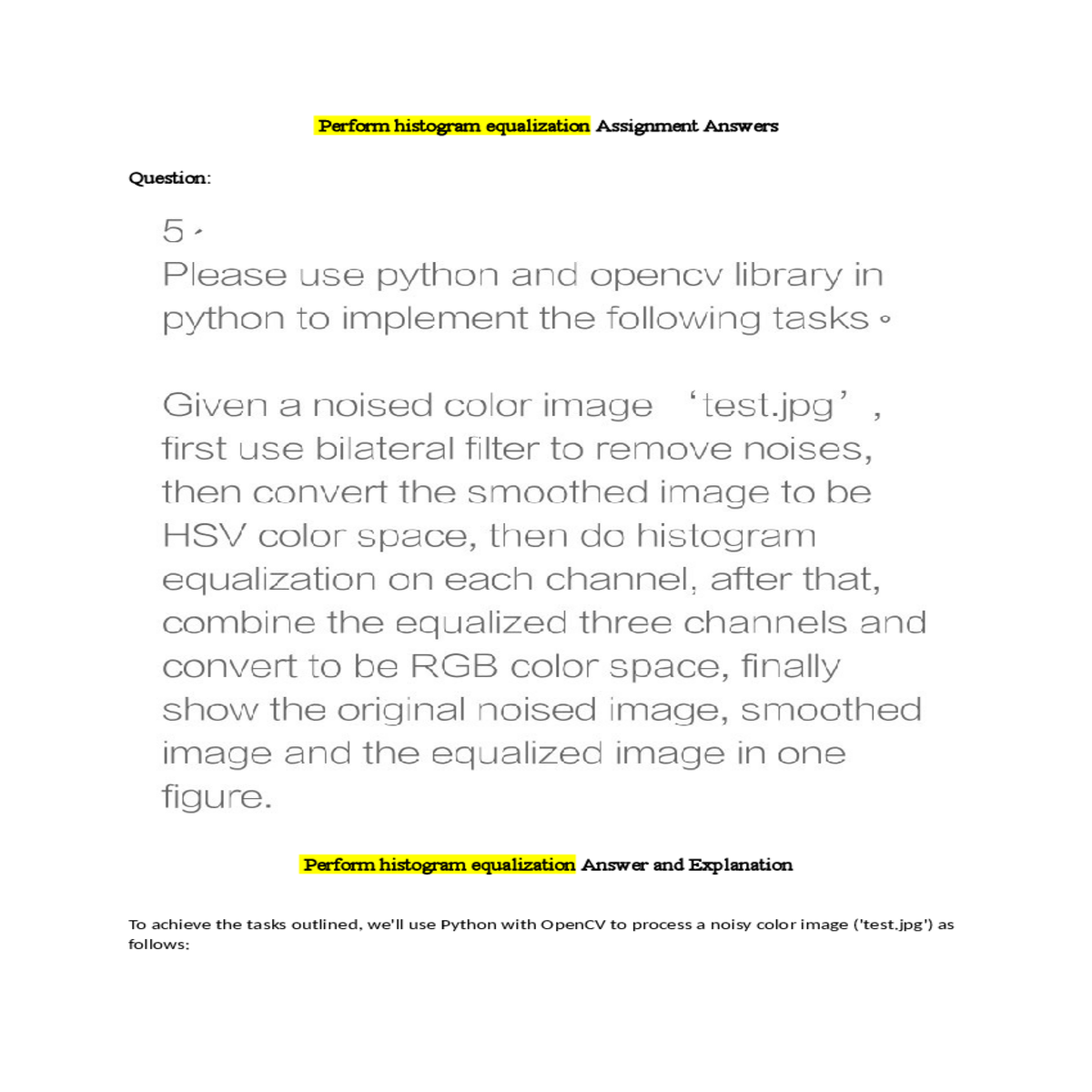
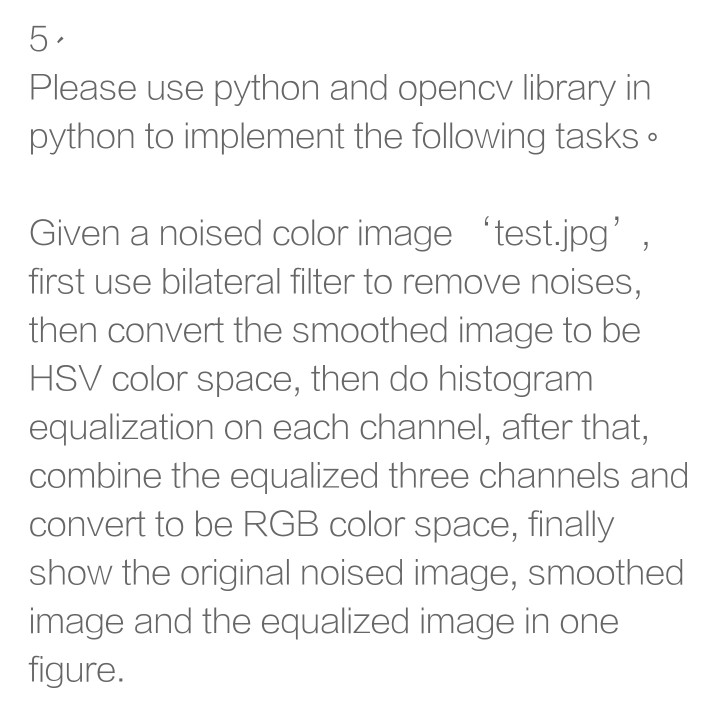
4. Combine the equalized channels and convert back to RGB color space.
5. Display the original noisy image, the smoothed image after bilateral filtering, and the final equalized image in one figure.
# Step 1: Read the noisy color image
image = cv2.imread('test.jpg', cv2.IMREAD_COLOR)
smoothed_hsv = cv2.cvtColor(smoothed_image, cv2.COLOR_RGB2HSV)
# Step 4: Perform histogram equalization on each channel of the HSV image
# Step 5: Convert equalized HSV image back to RGB color space
equalized_rgb = cv2.cvtColor(equalized_hsv, cv2.COLOR_HSV2RGB)
axes[0].set_title(titles[0])
axes[0].axis('off')
axes[2].set_title(titles[2])
axes[2].axis('off')
- Step 2: Applies a bilateral filter (`cv2.bilateralFilter()`) to the RGB image (`image_rgb`) to reduce noise. This filter preserves edges while effectively reducing noise.
- Step 3: Converts the smoothed RGB image (`smoothed_image`) to the HSV color space (`smoothed_hsv`) using `cv2.cvtColor()`.





